YouTube
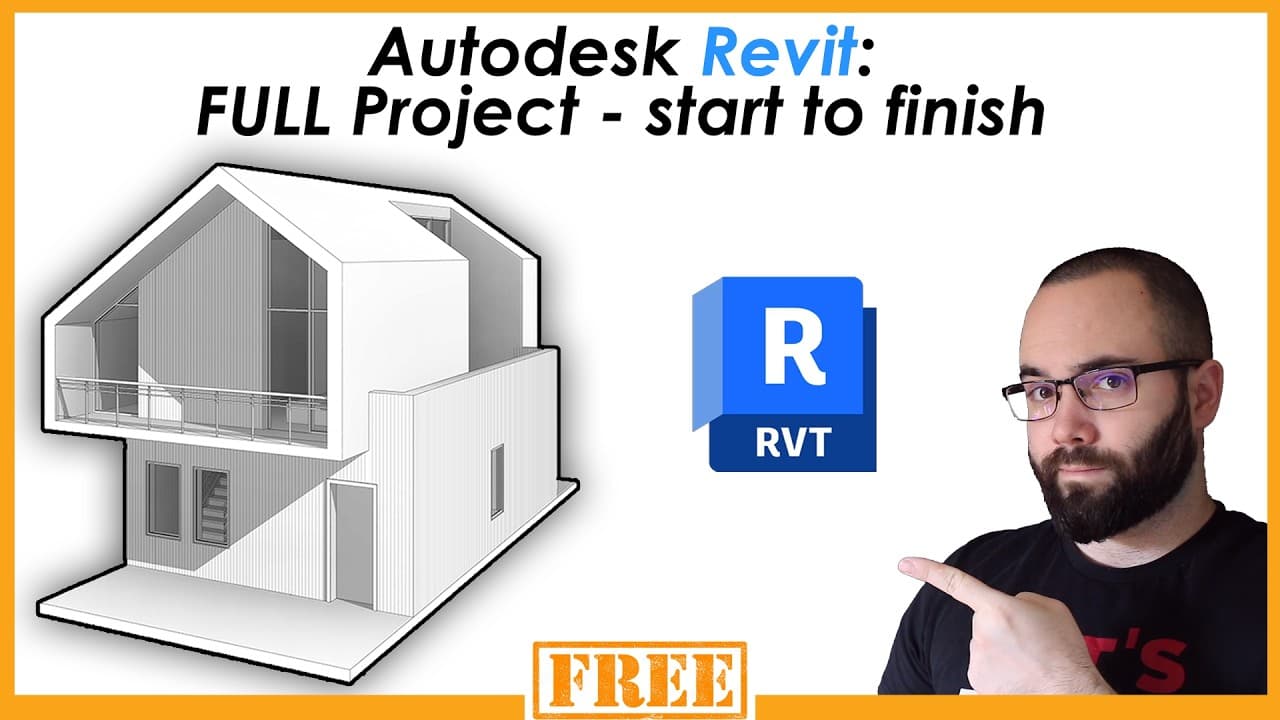
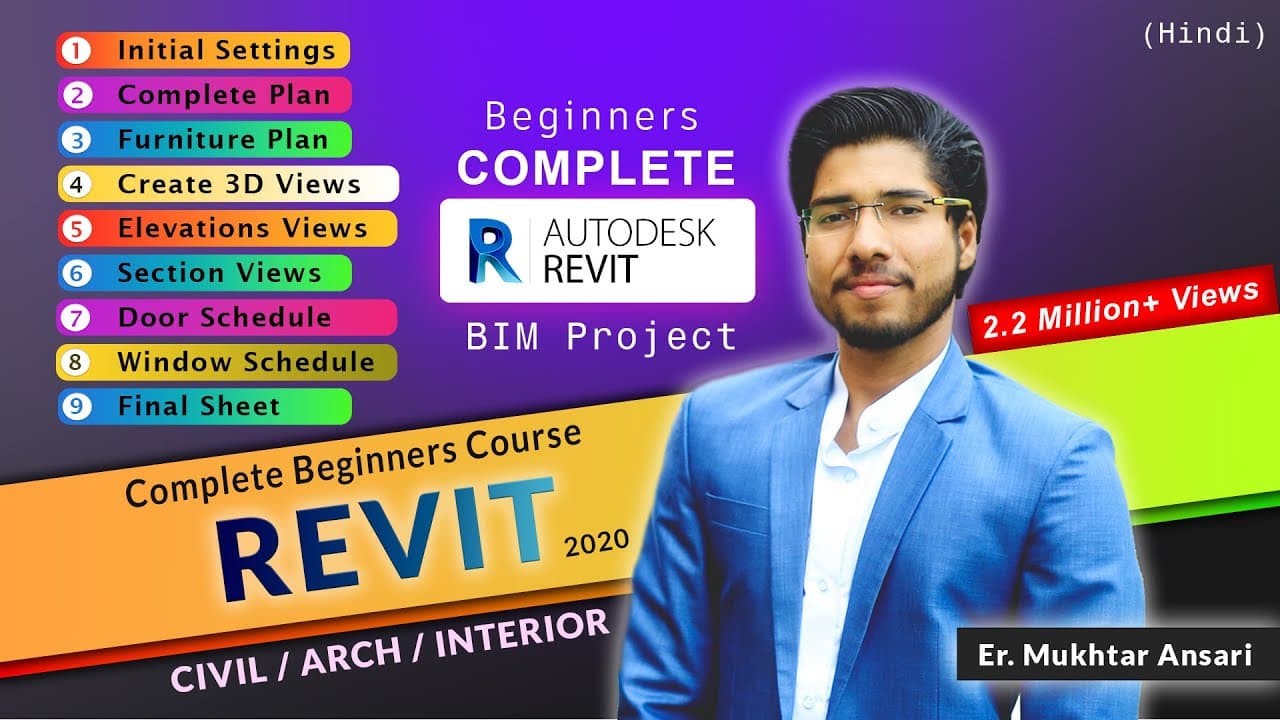
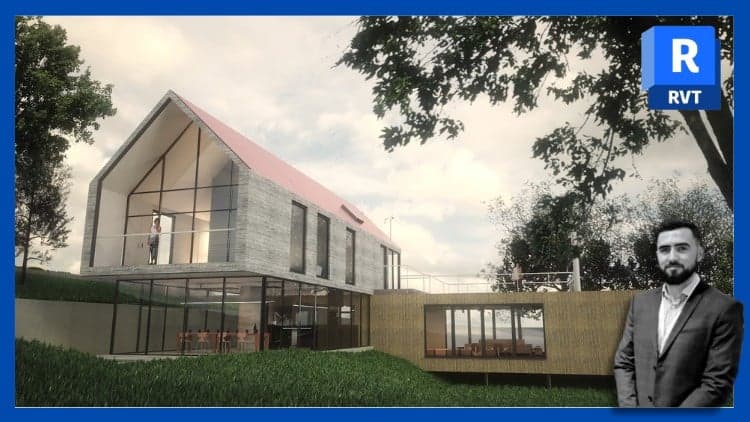
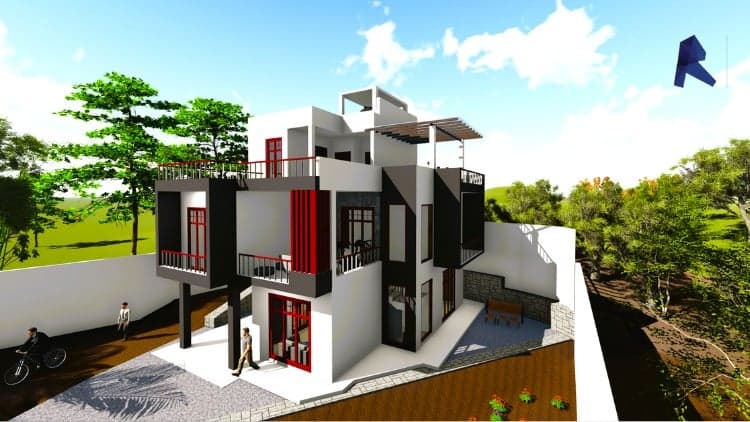
FreeAutodesk Revit - Full Beginner Course | Complete Project - Start to finish
CourseNo ratings yetBEGINNER
Free
 YouTube
Price
This course is free to watch on its platform.
Watch free on YouTube →Mark your own learning status. Opening a course link does not establish enrollment.
Loading saved status…
This video is pitched at people who have not used Revit before. It walks through making a BIM project in the software from the beginning, so the viewer sees the whole arc of a small project rather than isolated commands.
The description names civil and architecture students as the intended audience, which fits the way the video is paced for basic learners. It is a useful first project to follow before tackling larger models.
The description also lists other AutoCAD and Revit courses from the same creator, which can be a next step once this project is finished.
In this Video we are going to learn how to make a BIM project in Autodesk REVIT software. I designed this course for beginners and basic learners. Best course for Civil / Architecture students
-----------------------------------------------------------------------
📲 Download CADDapp Now – Learn AutoCAD, Revit, 3ds Max & More :
https://play.google.com/store/apps/details?id=co.lynde.vlqtg
-----------------------------------------------------------------------
🛒 Buy Complete Courses: https://web.caddapp.com
✉️ CALL / Whatsapp : +91 8055344556
✉️ WhatsApp Chat : https://wa.me/918055344556
-----------------------------------------------------------------------
✔️ AutoCAD 2D + 3D Course – https://web.caddapp.com/new-courses/1-complete-autocad-2d-3d-course-civil-arch-interior
✔️ AutoCAD Mechanical – https://web.caddapp.com/new-courses/3-autocad-mechanical-2d-3d-complete-course
✔️ Revit Complete Course – https://web.caddapp.com/new-courses/4-complete-revit-course-enscape-rendering
✔️ 3ds Max + Corona Course – https://web.caddapp.com/new-courses/5-complete-3ds-max-with-corona-render-course
✔️ SketchUp Pro Complete – https://web.caddapp.com/new-courses/35-complete-sketchup-pro-2025-26-basic-to-advance-course-weekly-videos
✔️ YQ Arch Complete Course – https://web.caddapp.com/new-courses/7-yq-arch-in-autocad-complete-course
✔️ Submission Drawing – https://web.caddapp.com/new-courses/11-submission-drawing-complete-course
-----------------------------------------------------------------------
🎁 What You Get in Our Courses
-----------------------------------------------------------------------
✔️ 1500+ FHD Recorded Lessons
✔️ Use on Mobile / Laptop / Tablet
✔️ Certificate of Completion after Exam
✔️ Chat Support & Doubt Solving
✔️ Free Practice Files
✔️ Lifetime Access
✔️ Software Download Links
✔️ Lowest Price Guarantee
✔️ Future Updates Included
-----------------------------------------------------------------------
📌 Follow Us for Updates & Support
-----------------------------------------------------------------------
🌐 Website : https://caddapp.com
📲 YouTube : https://www.youtube.com/@MicroCADDIndia
📷 Instagram : https://www.instagram.com/mukhtar_ansari1/
🎥 Telegram : https://t.me/microcaddofficial
📱 WhatsApp : https://whatsapp.com/channel/0029VaFQj28GE56lpbEq5W0B
----------------------------------------------------------------------
📚 #microcadd #CADDapp #caddappindia #mukhtaransari #autocad #revit #3dsmax #CADDcourses #CADforbeginners #microcaddindia #courses #cadcourses #autocad
Advertisement
Autodesk Revit - Full Beginner Course | Complete Project - Start to finish
Revit Tutorial for Beginners - Building Information Modeling [3D Design Course]
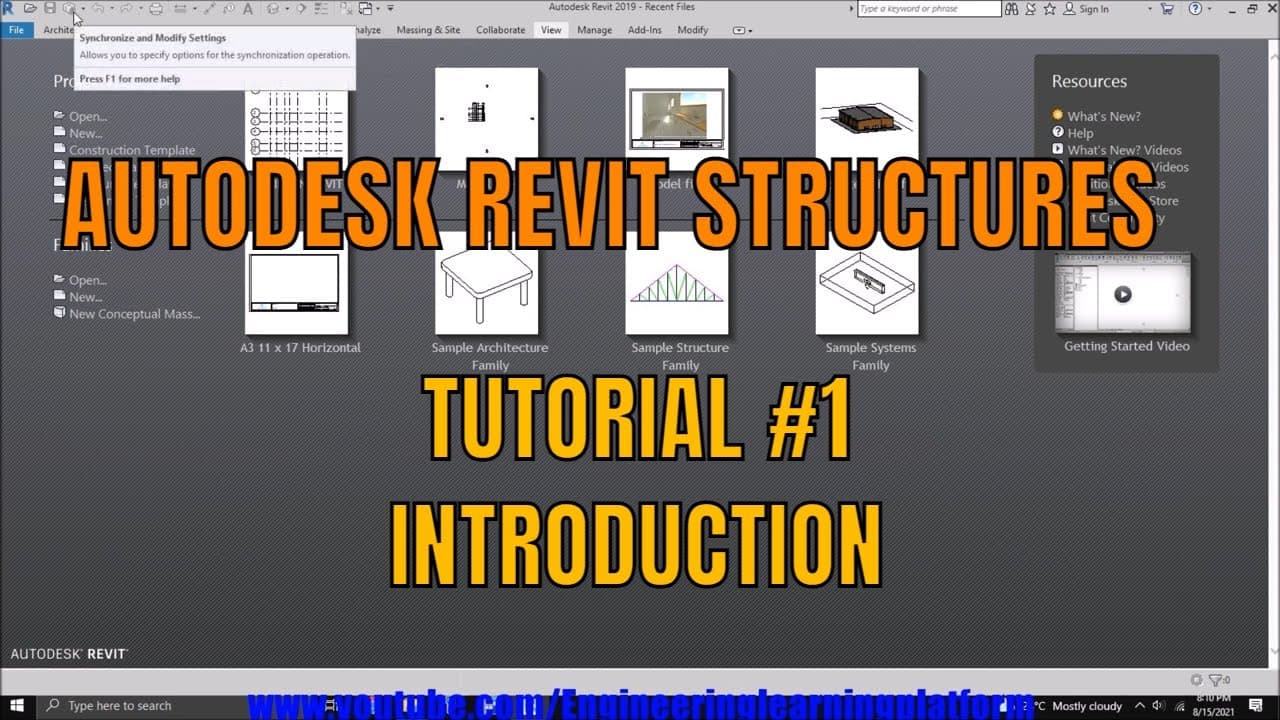
Revit Structures Full Course | Structural Revit Training (Beginner–Advanced)
No Korshub reviews yet.