Udemy
Free Udemy
UdemyMark your own learning status. Opening a course link does not establish enrollment.
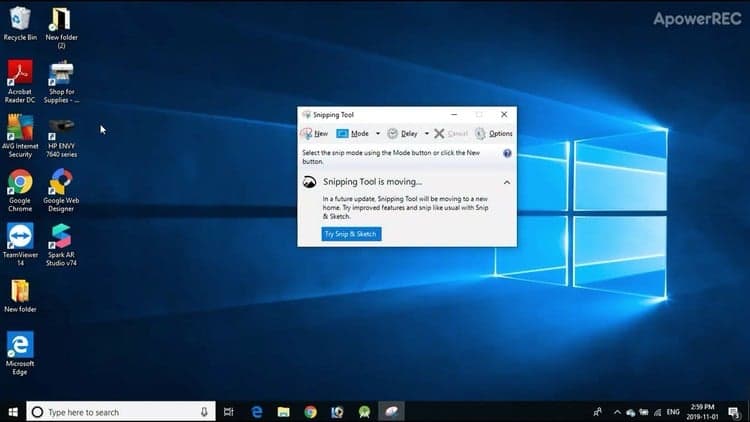
No extra software required: this course focuses entirely on the screenshot tools already built into Windows 10, and how to actually put them to use.
Rather than a single "here's the Snipping Tool" lesson, the course walks through the range of built-in capture options and matches them to the task at hand, aiming to save you time over ad hoc methods.
Anyone on Windows 10 who regularly needs screenshots for work, documentation, or troubleshooting and wants a faster, more reliable workflow than fumbling through menus each time.
Do you need to...
If so, then this course if for you!
In this course you will learn how to use many useful tools that come with Windows 10 to capture any part of your screen, and how to use these screenshots for common tasks. Enroll now to learn these useful time-saving techniques!
Advertisement

PowerPoint for Beginners - Program & Animation Basics FREE


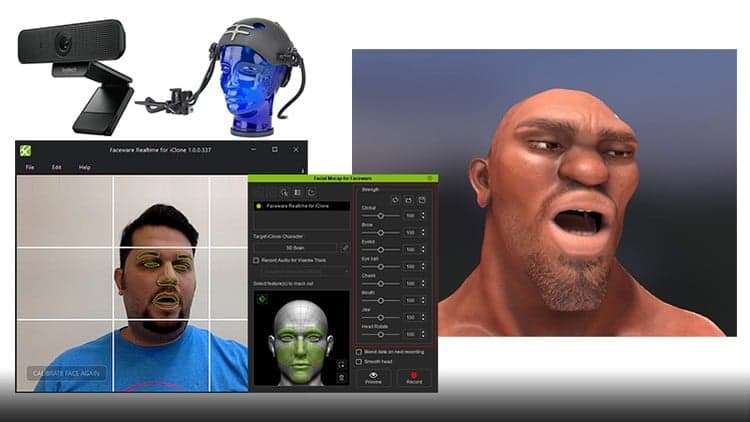
Generate 3D Facial Animations: Motion Capture for Everyone