
Udemy
 Udemy
UdemyPrice
No active coupon right now
View Course →No coupon right now. We'll tell you when there is one.
Mark your own learning status. Opening a course link does not establish enrollment.
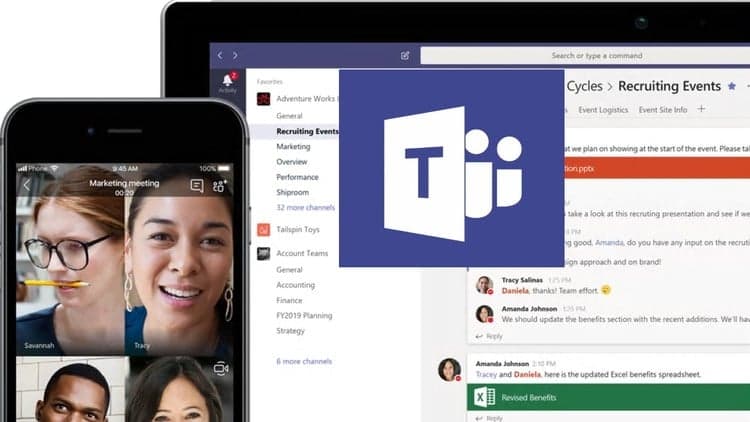
Microsoft Teams integrates your team's communication, files, and tools into one workspace. This course walks you through the full practical picture: setting up teams, organizing conversations, sharing files, and running video or audio meetings—plus adding functionality through apps, bots, and connectors.
If your organization uses Office 365, Teams is likely already available to you. This course shows you how to use it effectively, from the desktop interface to mobile. It's straightforward product training that lets you stop reinventing collaboration and start using what already exists.
Short on hype, focused on capability. Ideal if you're new to Teams or want to unlock features you didn't know were there.
Microsoft Teams is the hub for team collaboration in Office 365 that integrates the people, content, and tools your team needs to be more engaged and effective. It is the ultimate messaging app for your organization—a workspace for real-time collaboration and communication, meetings, file and app sharing.
In this course, we'll go over everything you need to know about using Microsoft Teams, starting with how to set up teams and join existing teams. We'll covers how to organize teams and engage in conversations.
We'll also show you how to share files with colleagues and initiate video and audio meetings on Teams. In addition, learn how to add extra functionality using apps, bots, and connectors; customize user and administrator settings; and work with the Microsoft Teams mobile app.
Advertisement







Not the best price we've seen. The lowest we've recorded is $10.99 on 17 Aug.
This is what we recorded in US pricing — not every price this course has ever had, and prices differ by country.