Udemy
Adobe Photoshop Selection and Masking Master Course 2022
Coupon uses: 93 leftCourse4.325kALL LEVELS
Free
Enroll for free → Udemy
UdemyMark your own learning status. Opening a course link does not establish enrollment.
Photoshop's selection and masking tools have changed significantly in recent versions, and this course is focused specifically on catching you up: making fast, accurate selections and combining them with layer masks using the current toolset.
It's a standalone excerpt — 21 lessons — pulled from the instructor's larger, paid Photoshop course, so it's scoped narrowly to this one skill area rather than covering Photoshop end to end. Each lesson comes with its own project file so you can follow along on the same images used in the videos, or practice on your own.
Complete Photoshop beginners as well as existing users who want to refresh their selection and masking skills with the newer workflows.
Hello and welcome to my course on working with selections and layer masks in Photoshop 2022!
My name is Martijn, and I've been teaching about Photoshop for over 12 years. This is actually part of my 10th full online Photoshop course, available right here on Udemy!
This course is part of a larger whole, my full online Photoshop course published here on Udemy, containing over 11 hours of video. You can follow these 21 videos for $ 0,-, and if you like what you see, take a look at the full course for your further learning! Check out the full course on my profile!
Photoshop has seen massive updates to the process of creating selections and working with layer masks in recent years, and in this course I show you all the fancy new workflows. With these brand new tools at our disposal creating fast and accurate selections is easier than ever, so sign up for free and dive right in!
Every lesson comes with a project file, so you can follow along with my instruction. You're also free to try the skills demonstrated in my videos on your own images.
Whether you're a complete newby to Photoshop, or if you want to update your selection and masking skills, this course is for you. And its completely free to sign up, so what are you waiting for?
Advertisement
Adobe Photoshop Selection and Masking Master Course 2022
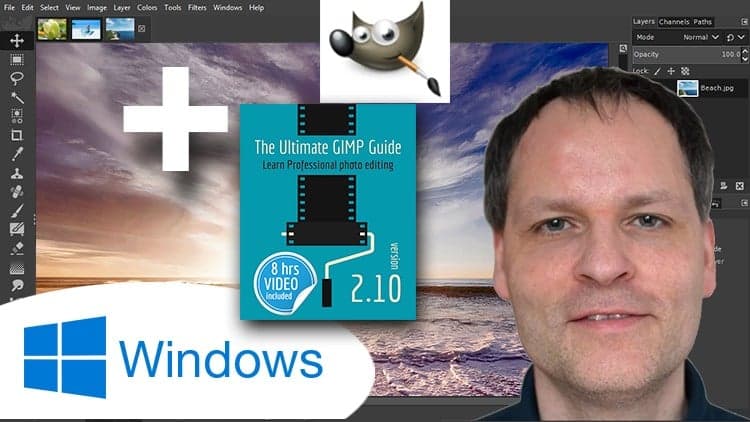
The Ultimate GIMP2.10 Guide ► Please read my Instructor bio!