Udemy
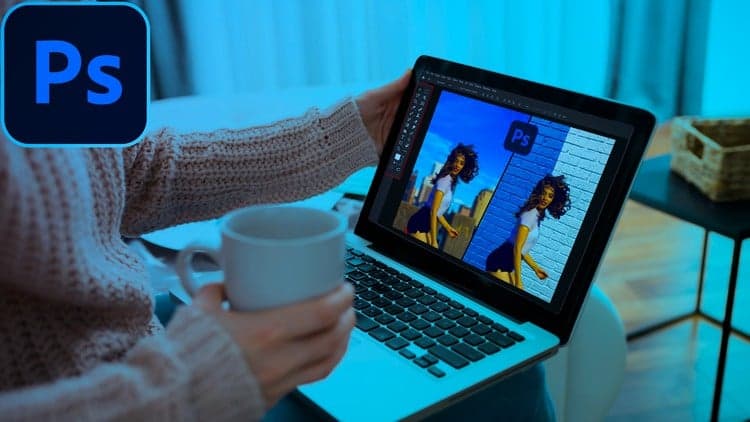
Adobe Photoshop Selection and Masking Master Course 2022
Coupon uses: 93 leftCourse4.325kALL LEVELS
Free
Enroll for free → Udemy
UdemyMark your own learning status. Opening a course link does not establish enrollment.
The Pen Tool is widely considered the most accurate way to make selections in Photoshop, and this course is built to take you from what-is-the-Pen-Tool basics to comfortably building advanced shapes and selections. Covering both Photoshop CS5 and Photoshop CC, it works step by step through the fundamentals: anchor points, paths, shapes, and the other tools in the Pen Tool family.
Once the basics are in place, the course goes deeper into handles and angles, showing how those concepts combine to draw elegant curves and complex custom shapes.
A solid pick for anyone who wants selections and paths that hold up under close inspection.
The Pen Tool is the most accurate way to make selections in Photoshop. Finally, it's yours to master! Learn how to make elegant curves, perfect angles, and accurate selections. Whether you need to cut a subject out of a photo or create a precision shape or design, the Pen Tool has you covered!
ULTIMATE Guide to Pen Tool. Learn how to use the Pen Tool in Photoshop Cs5 and Photoshop CC, right from WHAT IS THE PEN TOOL? to creating some advanced shapes and selections. In this class, I will take you through the process of understanding and using the tool step by step covering all the necessary fundamental concepts like Anchor Points, Paths, Shapes, Tools from the Pen Tool Family and its applications, and so on.
We will start by understanding the basic function of the pen tool and how it works on the concept of anchor points. Then we will dig deeper into using the pen tool where we will explore handles and degrees and how to use them to create complex shapes and paths. After a little practice. We will also learn a few of the applications for the pen tool and explore an amazing way to level up our skills by looking at different applications based on the tool. Hope class video helps you!
Advertisement
Adobe Photoshop Selection and Masking Master Course 2022
The Ultimate GIMP2.10 Guide ► Please read my Instructor bio!