Udemy
Free Udemy
UdemyPrice
No active coupon right now
View Course →No coupon right now. We'll tell you when there is one.
Mark your own learning status. Opening a course link does not establish enrollment.
Whether you're a complete beginner or an experienced designer seeking new techniques, Canva offers an approachable path to polished social media content. This course teaches you to craft graphics that work across Instagram, Facebook, Pinterest, YouTube, and other platforms using follow-along videos at your own pace. Custom templates you can download ensure your designs look polished on mobile devices from day one.
You'll learn to create everything from quote graphics and carousel posts to animated GIFs, reels, Pinterest pins, and professional materials like eBooks and business cards. The course covers both the Pro (paid) version and clever workarounds for the free plan, so you can adapt it to your budget. Later sections introduce AI-powered features and expert-level animations, so there's depth to grow into. By the end, you'll move confidently from concept to published post across multiple platforms.
Are you ready to create something remarkable today?
Whether you're a beginner in the world of social media content creation and content marketing, just looking for some guidance on basic graphic creation, or you're an expert looking to pick up some new tricks, there is something in this course just for you!
If you're looking to improve your content creation skills for Instagram, Facebook, Pinterest, YouTube and other social media platforms, you're in the right place.
What can you expect?
This course is packed full of exciting, valuable lessons that teach you exactly how to create beautiful graphics within Canva that will help turn your online presence into something truly remarkable. It's taught using follow-along videos where I share my screen with you, so you can create your projects at your own pace as you watch.
You'll also be given plenty of helpful exercises along the way so you can practice your skills along your learning journey. And I'll provide you with my custom, downloadable, mobile-friendly templates to ensure that each graphic you create will look fabulous on mobile, too.
We will be using the Pro (Paid) version of Canva for this course, but I will also be showing you how to get around some of the premium features for those of you who will be using the free plan of Canva by using some clever hacks and external helpful tools.
By the end of this course, you'll be able to make your own:
Canva graphics to use anywhere online and offline for print
Instagram inspirational quote graphics, multi-post carousel images
Facebook, YouTube and LinkedIn banners
Easy Instagram reels
Shareable GIFs and meme posts
Animated Pinterest pins
Business materials including eBooks, mockups, and materials for print like posters and business cards
Powerful websites, polls & quizzes
Animated email signatures
and more!
We will also be dedicating an entire section of the course to leveraging the world of AI within Canva and other tools, and looking at expert-level animations so that you can finish here knowing that you're officially a Canva Pro!
Advertisement
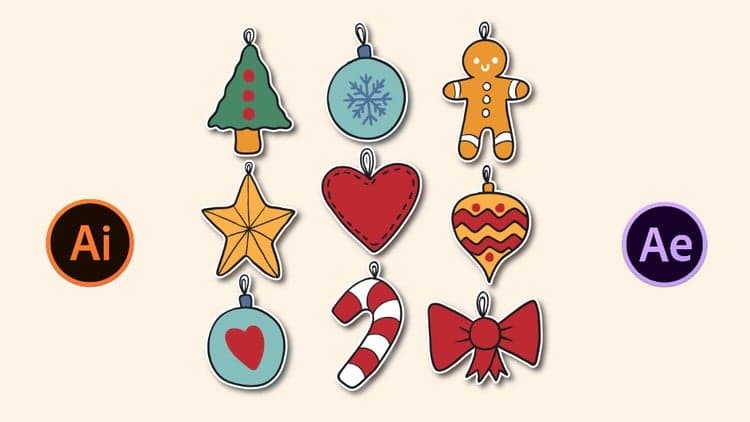
Motion Graphics: Design Animated Stickers For Social Media
Photoshop & Design For Content Marketing, ads & Social Media
Canva Course: Beginner to Pro Master Canva AI Graphic Design
Not the best price we've seen. The lowest we've recorded is $15.99 on 18 Aug.
This is what we recorded in US pricing — not every price this course has ever had, and prices differ by country.