Coursera
Subscription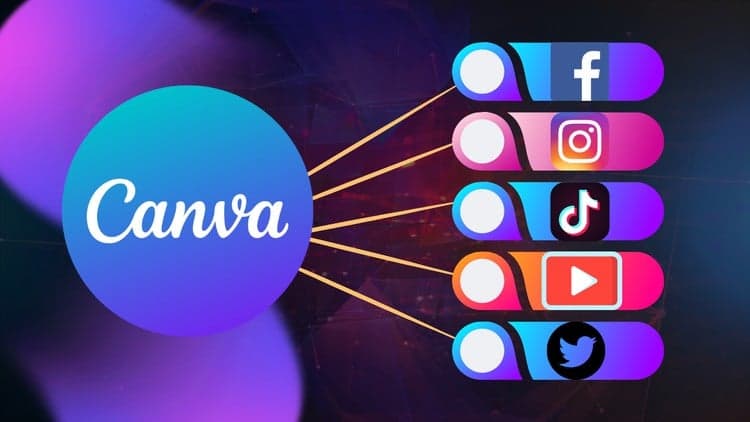
Price
No active coupon right now
View Course →No coupon right now. We'll tell you when there is one.
Mark your own learning status. Opening a course link does not establish enrollment.
Loading saved status…
This course is for people who want to make video for social platforms without leaving Canva. It covers the interface, the video formats each platform expects, and the editing steps most short clips need, such as trimming, cropping, resizing and adding text.
Creators, marketers and small business owners who already make still graphics in Canva will find the course a natural next step. The sequence starts from the interface, so it can also serve as a first introduction to the editor.
Welcome to the ultimate guide on mastering social media video editing with Canva! In this comprehensive Udemy course, you'll learn how to create captivating videos for various social media platforms using the powerful and user-friendly Canva platform.
With the explosive growth of social media, video content has become essential for engaging audiences and driving traffic. Canva, known for its intuitive design tools, now offers robust video editing capabilities, making it a go-to choice for content creators, marketers, and business owners.
Whether you're a beginner looking to enhance your social media presence or a seasoned pro seeking to streamline your video creation process, this course has something for you.
Here's a sneak peek of what you'll learn:
Introduction to Canva: Familiarize yourself with the Canva interface and discover its video editing features.
Understanding Social Media Video Formats: Learn about different video formats optimized for popular social media platforms such as Facebook, Instagram, Twitter, and YouTube.
Creating Engaging Video Content: Explore techniques for crafting attention-grabbing videos, including storytelling, visual effects, and animation.
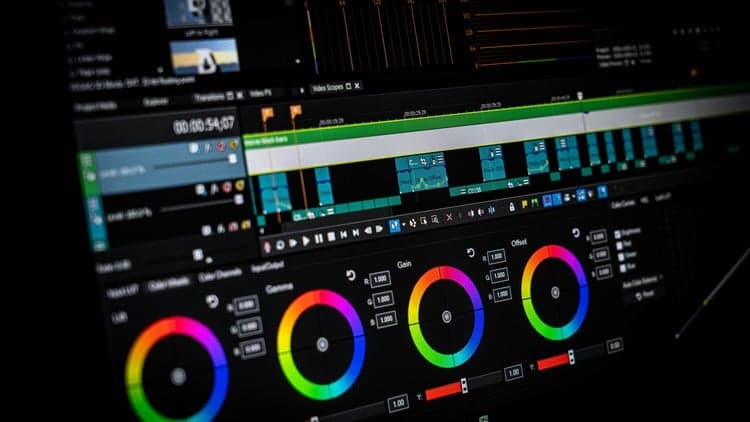
Editing Tools and Techniques: Master Canva's editing tools to trim, crop, resize, and enhance your videos effortlessly.
Adding Text and Graphics: Elevate your videos with stylish text overlays, logos, stickers, and other graphics to convey your message effectively.
Incorporating Music and Audio: Discover how to enhance the mood and ambiance of your videos by adding music tracks, sound effects, and voiceovers.
Exporting and Sharing Your Videos: Learn how to export your videos in various formats and resolutions suitable for different social media platforms.
Throughout the course, you'll follow step-by-step tutorials, practical demonstrations, and real-world examples to reinforce your learning. By the end of this course, you'll have the skills and confidence to create professional-quality videos that resonate with your audience and drive engagement on social media.
Don't miss this opportunity to unleash your creativity and take your social media presence to new heights with Canva's video editing capabilities. Enroll now and start creating compelling videos that stand out in the crowded digital landscape!
Advertisement

Tracking since 15 Nov — not enough history yet to tell you whether today's price is any good. Watch the course and we'll tell you when it drops.
This is what we recorded in US pricing — not every price this course has ever had, and prices differ by country.
No Korshub reviews yet.