Udemy
Free Udemy
UdemyPrice
No active coupon right now
View Course →No coupon right now. We'll tell you when there is one.
Mark your own learning status. Opening a course link does not establish enrollment.
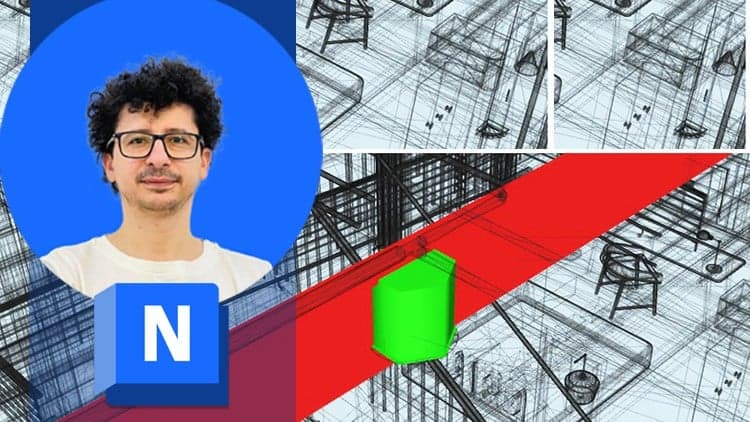
Navisworks is the tool construction and design teams use to assemble 3D models from every discipline into one coordinated scene. Instead of discovering conflicts when it's too late, you'll learn to catch clashes early—and catch them visibly.
The course walks you through the core features: reviewing and marking up models with confidence, running interference checks to spot conflicts between systems, and using TimeLiner to create 4D construction simulations. The Animator and Scripter tools let you build interactive walkthroughs that communicate your findings clearly to stakeholders.
You'll emerge able to navigate the software fluidly, coordinate models from different sources, and identify project issues before they become expensive surprises. This is built for BIM engineers, project coordinators, architects, and construction professionals seeking practical skills for real-world coordination workflows.
This complete Autodesk Navisworks course will instruct you in best approaches to combine 3D geometry from cross disciplines into one scene to enable effective model reviews. Through a hands-on curriculum, you will acquire the knowledge needed to review and markup the model, use TimeLiner, Animator, Scripter, Quantification, as well as the Clash Detective tools within the Autodesk Navisworks software.
With all of these BIM (Building Information Modeling) tools, Mohamed Elhout shows how to use the functionality of the Autodesk Navisworks Simulate, and Manage features, he will learn you how to open, review, quantify, and run object-interference checks on 3D models. You also will learn how to link to task-scheduling files and create 4D construction simulations. Using the Animator and Scripter tools, you will create interactive animations.
By the end of the course, you will be able to navigate Navisworks with confidence, coordinate models from different sources, identify project issues earlier, and communicate findings clearly with your team. This course is ideal for BIM engineers, planning engineers, project coordinators, architects, civil engineers, and construction professionals who want practical Navisworks skills for real project coordination and 4D BIM workflows. You will also gain practical tips to improve coordination meetings and project reporting.
Advertisement



Not the best price we've seen. The lowest we've recorded is $13.99 on 18 Aug.
This is what we recorded in US pricing — not every price this course has ever had, and prices differ by country.