Udemy
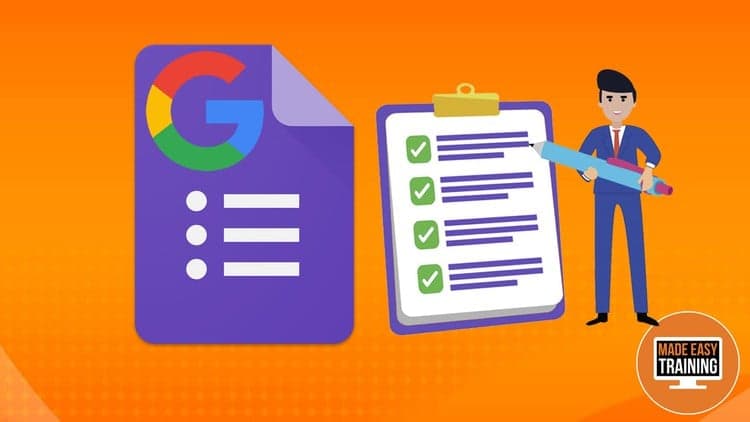
FreeEasily Master Google Forms - Create Online Forms & Quizzes
Course4.73kALL LEVELS
Free
 Udemy
UdemyPrice
No active coupon right now
View Course →No coupon right now. We'll tell you when there is one.
Mark your own learning status. Opening a course link does not establish enrollment.
Google Forms is free and remarkably capable for collecting data — job applications, feedback, event RSVPs, quizzes, evaluations. This course shows you how to use it well: designing forms with validation rules, analyzing responses once they arrive, and transforming a basic form into a self-grading quiz with answer feedback and point systems.
The three-part structure builds logically: first design (adding questions and validation), then analysis (viewing and understanding data), and finally auto-grading. Because you control every aspect of the form, you decide exactly what information lands in your results and how to display it.
Ideal for educators, HR, customer research, and anyone who needs to collect data without complex tools or databases.
Welcome to The Complete Google Forms Course. This course will teach you to understand how to design, share, and analyze questionnaires and quizzes created on the Google application Google Forms.
Google Forms is a free survey tool that allows you to easily and efficiently collect information. It is used in both professional and personal settings, whether it is for collecting time availability from your employees or for gathering t-shirt sizes for a family vacation shirt. It supports various types of questions and allows for validation options to control data entry. Although it has a fairly simple user interface, it offers many advantages and can perform a multitude of tasks.
As a complete Google Forms course, this course will start with the foundation and design aspects. The lessons from this section include understanding how to add questions, utilizing response validations, customizing headers, and more. In addition, there are a couple of quick wins scattered across the sections to provide more tips on how to use this application to its fullest potential.
The second section of this course goes over how to view and analyze the received form responses. With Google Forms’ powerful data analysis, this application is a go-to tool for many businesses, organizations, and classrooms. Since you have full configuration over the form, you are able to decide exactly how you want the form to look and what information you want it to collect.
Google Forms is highly recommended by many for educational purposes. The third section goes over how to transform an ordinary form into a self-grading quiz with just one button. It also talks about how to add answer feedback and create a point system to help alleviate the stress of administering and grading.
Google Forms is a powerful application that allows you to create surveys to easily collect an ambulance of diverse types of information. This course will also show you how to send out forms to collect data from the comforts of your own home. Some of the many things that you can make on Google Forms include:
Job application, time off request, customer feedback
Contact information, event RSVP
Exit ticket, quizzes, course evaluation, etc
Enroll to learn how to use Google Forms to create surveys and quizzes!
Advertisement
Easily Master Google Forms - Create Online Forms & Quizzes

GMail Productivity Complete Gmail course to Get things Done



Not the best price we've seen. The lowest we've recorded is $9.99 on 17 Aug.
This is what we recorded in US pricing — not every price this course has ever had, and prices differ by country.