Udemy
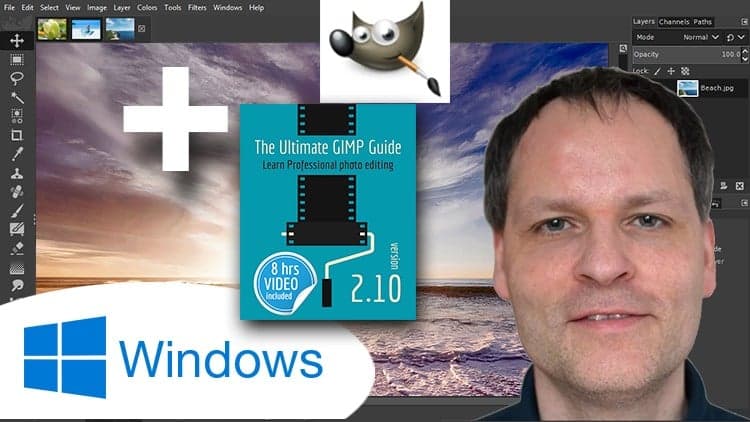
FreeThe Ultimate GIMP2.10 Guide ► Please read my Instructor bio!
Course4.733kALL LEVELS
Free
 Udemy
UdemyMark your own learning status. Opening a course link does not establish enrollment.
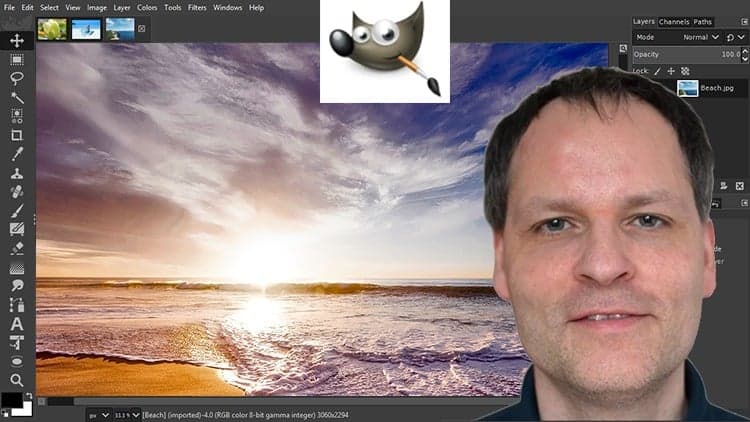
Drawing on 15 years of professional photo editing experience, this advanced course covers photo editing in GIMP 2.8, including how to configure the software to look and act like Photoshop. It walks through correcting and retouching photographs professionally, working with layers, resizing and cropping, and preparing images for both web and print.
Learners ready for in-depth, professional-level photo editing techniques in GIMP.
Have you always wanted to do the things the pro's are doing? Now you can!
In this course I will cover all aspects of photo editing, I have learned in the last 15 years working in the field of professional photo editing, and I will leave no stone unturned. I will show you everything in easy to follow steps.
In this course you will learn:
How to configure GIMP 2.8 to make it look and act as Photoshop, how to improve and correct photographs professionally, how to work with layers, how to crop images, how to resize images, how to save images for web, how to save images for print, and how to make PDF's. You will learn professional retouching, like skin retouching with frequency separation, Liquify (for example to make someone thinner), how to let the program remove objects, and how to remove objects with the clone and heal tool.
You will learn how to use masks, and how to make selections. And with the Google Nik Collection, you will learn how to make professional 'single click' selections using the 'U-point technology', that give photorealistic results (this is not possible in Photoshop). You will learn how to use text, how to make e-book covers, how to sharpen an image, how to create professional black and white images, and how to remove noise. You will learn everything about blending modes, selecting hair, gradients, patterns, using a tablet, brushes, dodging and burning, color theory, and much more!
And if you have ANY questions, please let me now. I am here for you!
Advertisement
The Ultimate GIMP2.10 Guide ► Please read my Instructor bio!