Udemy
Price
No active coupon right now
View Course →No coupon right now. We'll tell you when there is one.
Mark your own learning status. Opening a course link does not establish enrollment.
Designed for photography enthusiasts and professionals, this beginner-friendly course focuses on two often-overlooked Lightroom modules that unlock organization and presentation possibilities.
After refreshing navigation skills and mastering imports, you'll explore the Map module—geotagging individual photos or entire collections, filtering by location, and organizing via saved locations. Then you'll learn the Book module for creating stunning custom photo books, including layout options, page customization, text formatting, and background effects.
The course concludes with publishing options: third-party services or self-publishing as PDF or JPEG. It's a practical path to polishing your photo collections and sharing them beautifully.
Lightroom is an intuitive photo editing application used by both enthusiasts and professional photographers. This course offers a comprehensive beginners guide for those interested in the foundations of Lightroom, with an emphasis on the Map and Book Module. The course starts off with a refresher on navigating the Lightroom interface, along with creating image catalogs and importing photo collections. From there we explore the import dialog, import file handling, file renaming, and metadata presets. These are all instrumental building blocks when it comes to building proficiency in navigating the Lightroom workspace. Once we’ve explored the foundations, we transition over to exploring the map module. Here we explore navigating the map module, with an overview of its use cases. From there we dive into geotagging both single photos and collection sets. Students also learn to filter images by location and use saved locations for enhanced sorting and tagging.
After completion of the map module, we transition to the book module. Here students will learn to create stunning, customized photo books using their image collections. We start with demonstrating how to navigate the book module interface. From there we explore book settings and layout options. This includes customized pages, page numbers, cell padding, and text formatting. We also cover background effects, before concluding with book publication using both third party services, or simply saving as PDF or JPEG files.
As you can see this course covers a number of topics that are essential to anyone starting off with Lightroom. It’s also a great resource for both professional and aspiring photographers that are looking to take their existing photos to the next level. If you’re as excited as we are about this course, hit the enroll button and let’s get started.
Advertisement

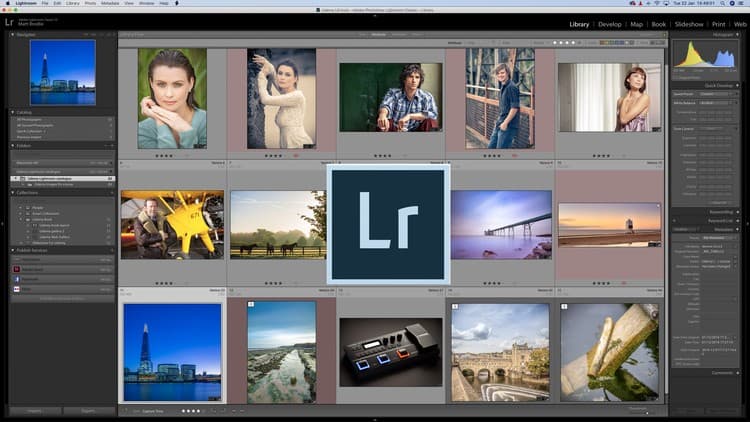



Adobe Lightroom CC Photo Editing: Your Lightroom Masterclass
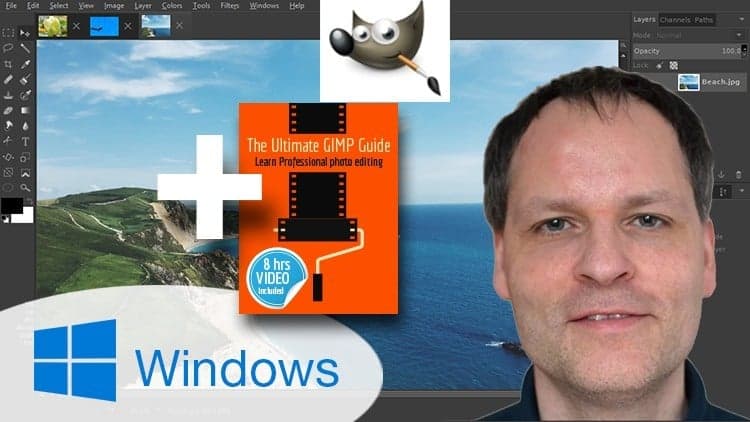
The Ultimate GIMP 2.8 Guide►Book included as sold on Amazon
Not the best price we've seen. The lowest we've recorded is $9.99 on 18 Aug.
This is what we recorded in US pricing — not every price this course has ever had, and prices differ by country.