Udemy
 Udemy
UdemyPrice
No active coupon right now
View Course →No coupon right now. We'll tell you when there is one.
Mark your own learning status. Opening a course link does not establish enrollment.
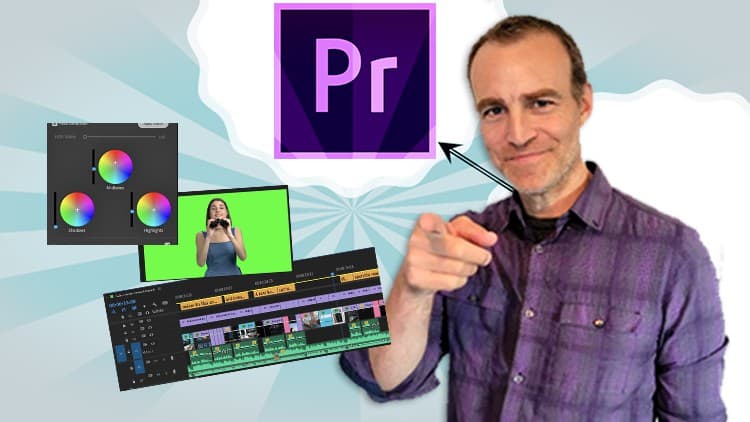
A practical guide from Mitchell McKenna, a videographer and video editor working since 2012 who runs a freelance production company. The course covers the workflow: organizing footage and file basics, setting up a new Premiere Pro project, importing media, and learning the editing interface. You'll master effects, transitions, color correction, titles, and animation. Audio receives real attention: sound design, music, dialogue, and mixing are treated as integral to the final product.
Export settings and file resolution complete the pipeline. The instruction emphasizes that practice is essential—the course teaches the tools, but you build skill through repetition and real projects. Grounded in working production experience rather than academic theory. Useful for anyone serious about learning Premiere Pro systematically.
WANT TO LEARN HOW TO EDIT VIDEO?
Have you always wanted to know how to edit awesome videos for fun, work or just pure creativity?
This course will take you through the basics of learning video editing with one of the most elite and professional video editing softwares available. Premiere Pro is easy to use and there is so much room to grow into the professional video editor you always wanted to be.
My name is Mitchell McKenna and I'm a videographer & professional video editor.
I've studied video production and editing since 2012 and graduated from the University of Western Australia majoring in Communication & Media
I started my own freelance video production company (MFM Media - Video) in 2016.
I've been producing and editing videos for social media, promotional content, podcasts, live presentations and interviews ever since.
My past work involves projects for West Australian Mining Companies (Mt Magnet Drilling), Local Electrical Business (Response Electricians), E-learning platforms (Electrician's Success Academy), Weddings, Functions (Master Electrician's Australia), Promotional Videos (Broderick W. Co.), Personal Videos (Coral Bay).
WHAT YOU WILL LEARN?
How to get your self setup and organised & familiar with video file basics
Then look at opening Premiere Pro for the first time, creating a new project & adjusting the settings.
How to import footage, learn the editing panels and process, apply effects, transitions, adjust the colour and make titles & animations.
Learn the power of audio, and how the 3 components, Sound Effect, Music & Dialogue, work together with a bit of audio mixing.
Become familiar with the different export settings, use Adobe Media Encoder & check file resolution once complete.
PRACTICE MAKES PERFECT
Although this course will teach you the basics of video editing with Premiere Pro I also strongly suggest that you take the time to put into practice the lessons you learn. Only with practice and time will you become efficient and effective at video editing (which is generally a time consuming process). I will show you how to use the tools and what they do but it will be up to you to be creative and practice in your own time.
Advertisement
Adobe Premiere Pro Masterclass: Video Editing in Premiere
Not the best price we've seen. The lowest we've recorded is $10.99 on 18 Aug.
This is what we recorded in US pricing — not every price this course has ever had, and prices differ by country.