
Udemy
 Udemy
Free and discounted course coupons, posted every day.
This course is built for anyone who wants to move architectural visualizations beyond flat, default renders. It starts at the beginning — installing and setting up Vray for Revit — before moving into the interface itself, so you can navigate its tools efficiently rather than hunting through menus.
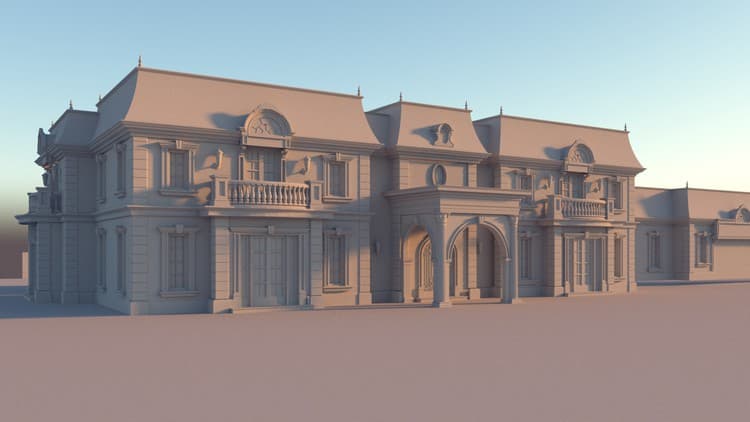
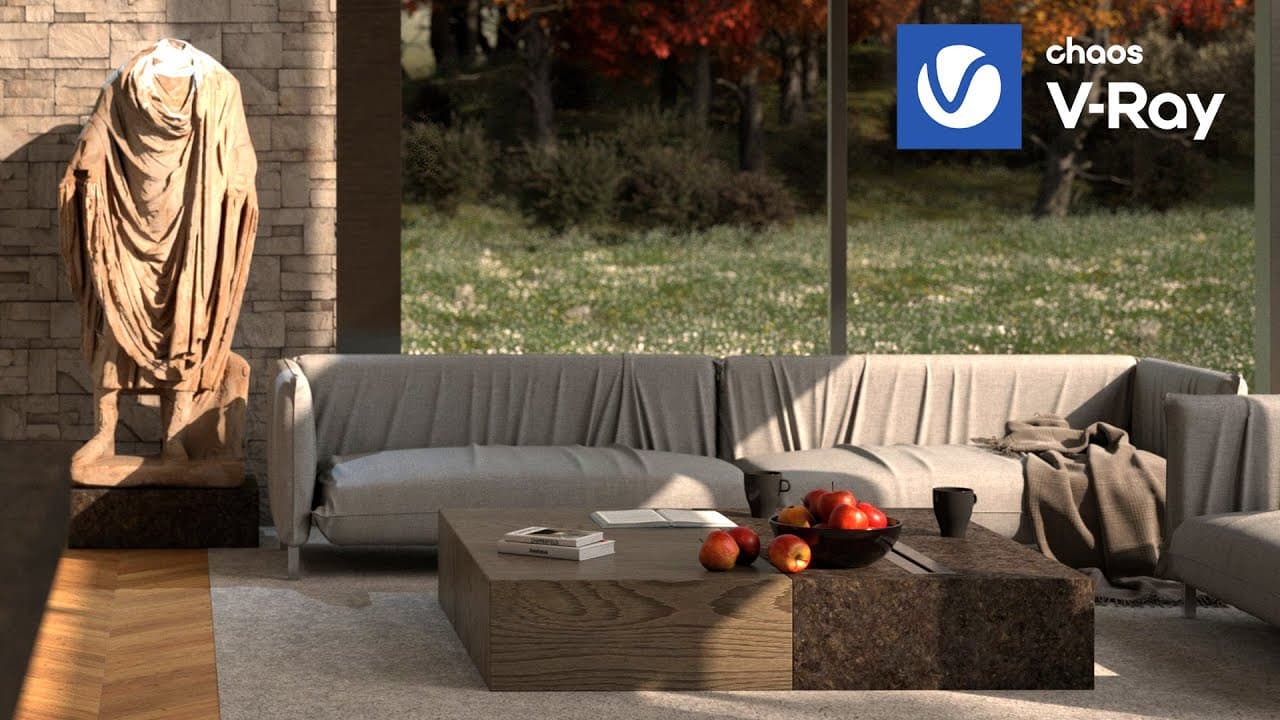
From there it covers the practical building blocks of a good render: choosing the right render type for a project, working with Vray's asset library and materials for realistic textures and finishes, and applying different lighting types to create dynamic, well-lit scenes. The course closes with Revit 2025's AI rendering features, showing how they can improve render quality and speed up the process.
Architecture and design professionals or students who already use Revit and want to add Vray and AI-assisted rendering to their visualization workflow.
Mark your own learning status. Opening a course link does not establish enrollment.
Loading saved status…
From the Udemy page
Unlock the full potential of your architectural visualizations with our comprehensive course on Vray and Artificial Intelligence (AI) Rendering in Revit 2025. Designed for professionals and enthusiasts looking to enhance their rendering skills, this course provides an in-depth exploration of Vray's powerful tools and the innovative AI features integrated into Revit 2025.
Advertisement
Yes. It's free on Udemy.




No Korshub reviews yet.