Udemy
Free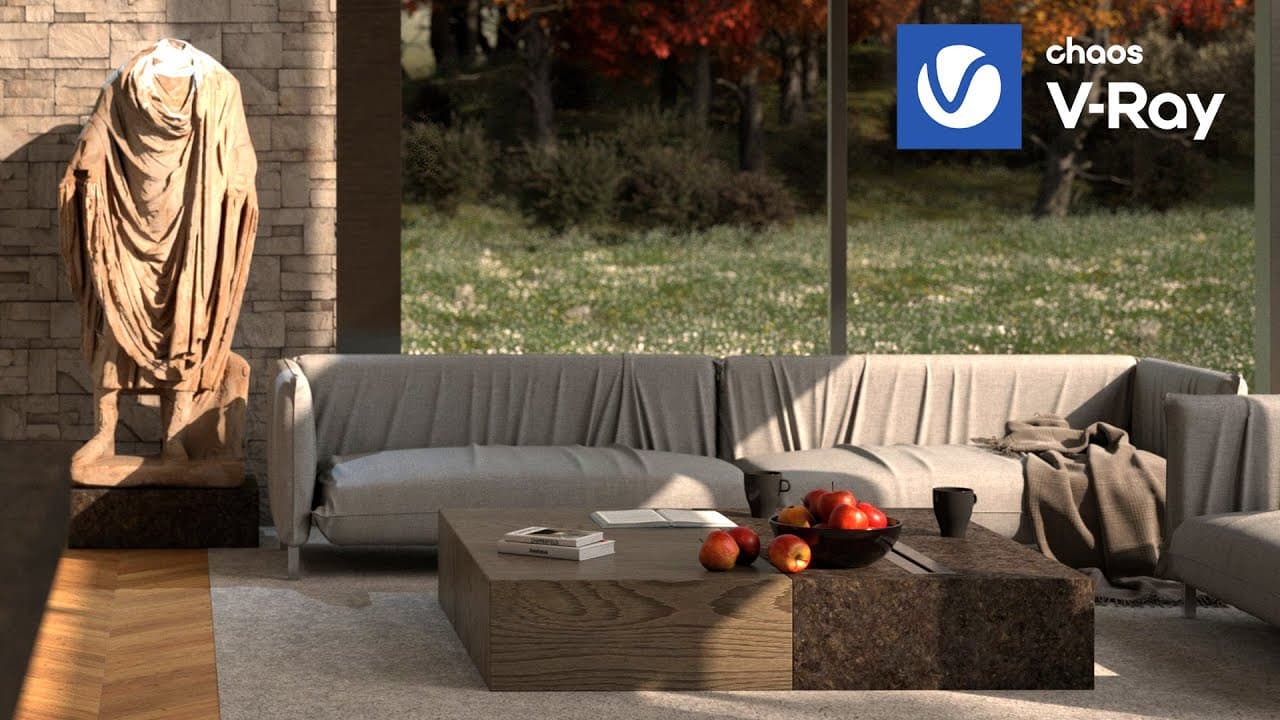 YouTube
Mark your own learning status. Opening a course link does not establish enrollment.
Loading saved status…
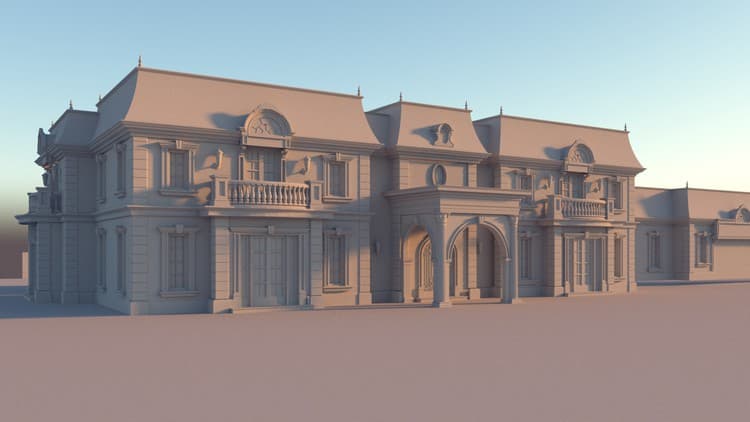
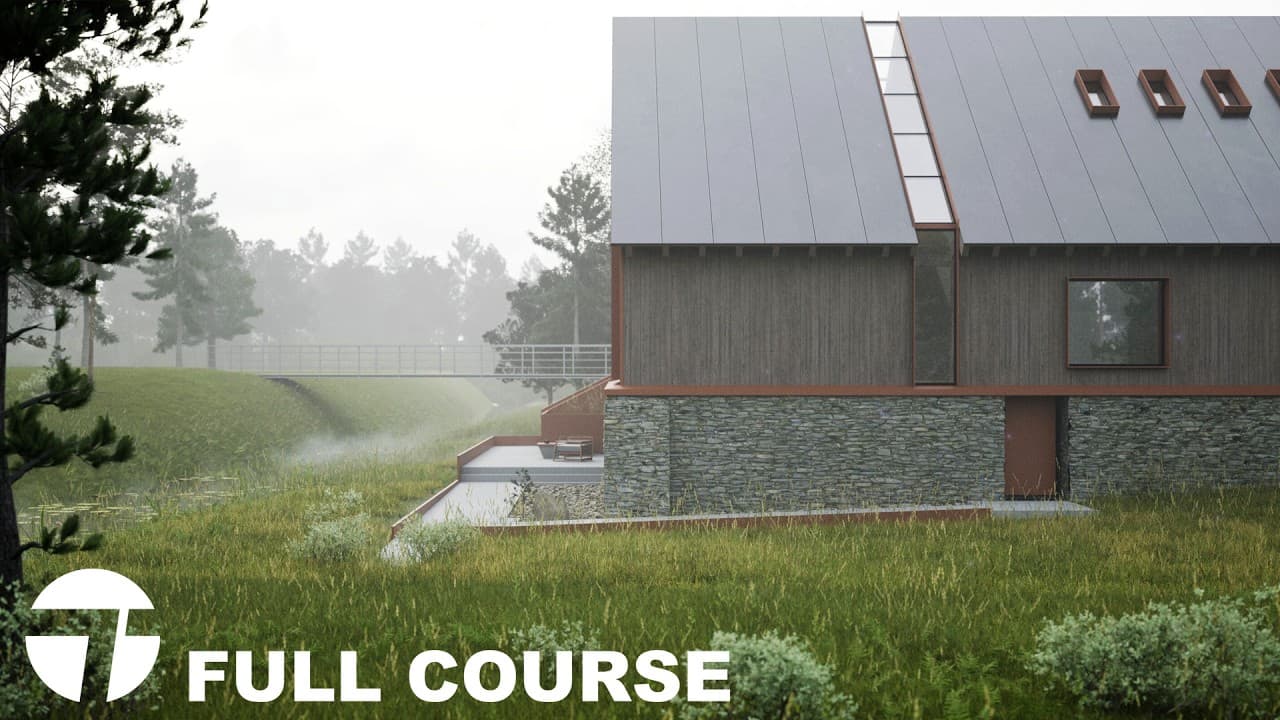
This V-Ray for Rhino course is one long session broken into chapters, with markers running past the five-hour point. It moves from file preparation through lighting, cameras and materials to final output.
Beginners who want an architectural rendering route in V-Ray. Use the chapter markers to jump to the stage you need, such as interior lighting or the final render settings.
You can support the channel here: https://www.patreon.com/gediminas3
(As a benefit you'll get access to all of my 3D models / scripts)
MERCH STORE: https://my-store-cf2a82.creator-spring.com
My laptop suggestions for design/architecture students:
https://youtu.be/4VsGJ7vFRWA
My book suggestions:
https://youtu.be/wIiJQSQuycU
00:00 Intro
01:37 File Preparation
03:59 Exterior Lighting
50:00 Exterior Camera
1:05:00 Materials
2:29:00 Layered Landscape Material
2:40:00 Scattering 3D Assets
3:15:00 Render Window
3:20:00 Vray Settings
3:48:00 Quixel 3D asset import
4:20:20 Interior Camera
4:27:00 Artificial Lights for Interior
4:50:00 Interior detalization
5:10:00 Final Render Settings
5:48:45 Photoshop
Advertisement

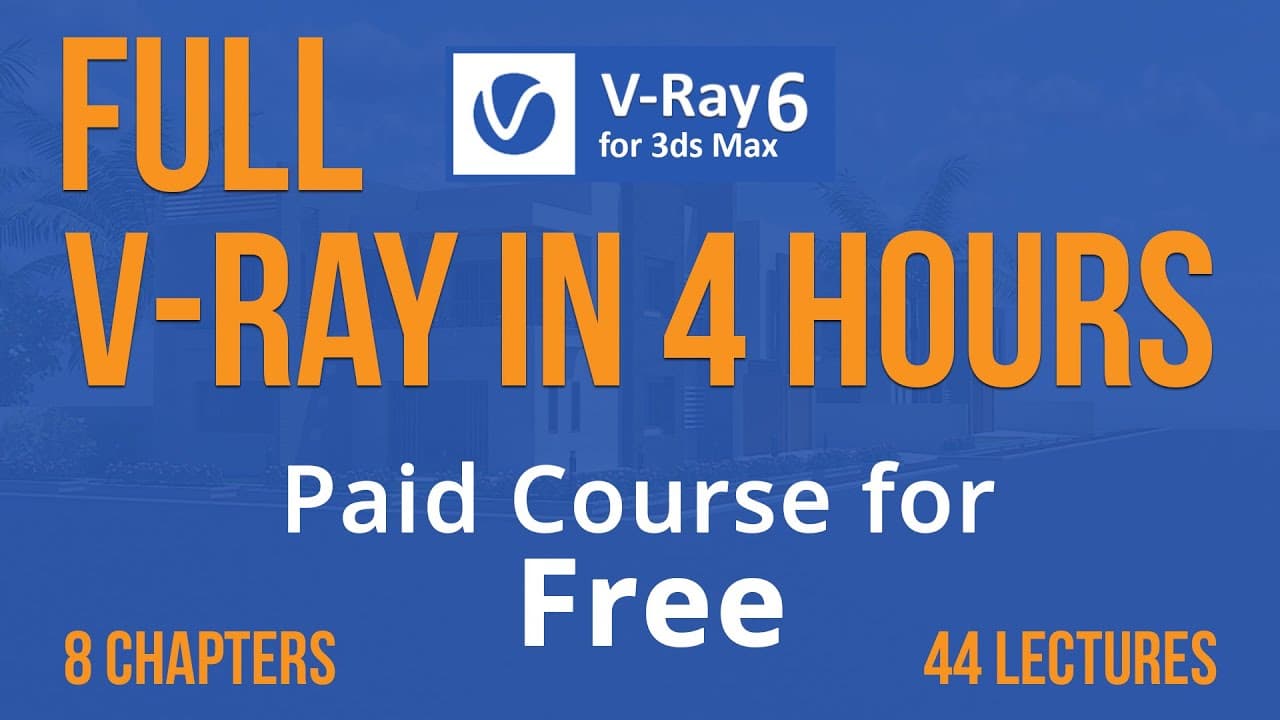
V-Ray 6 for 3ds max Complete Course for beginners | Vray for 3ds max | vray 6 tutorials

No Korshub reviews yet.