Microsoft Learn
Free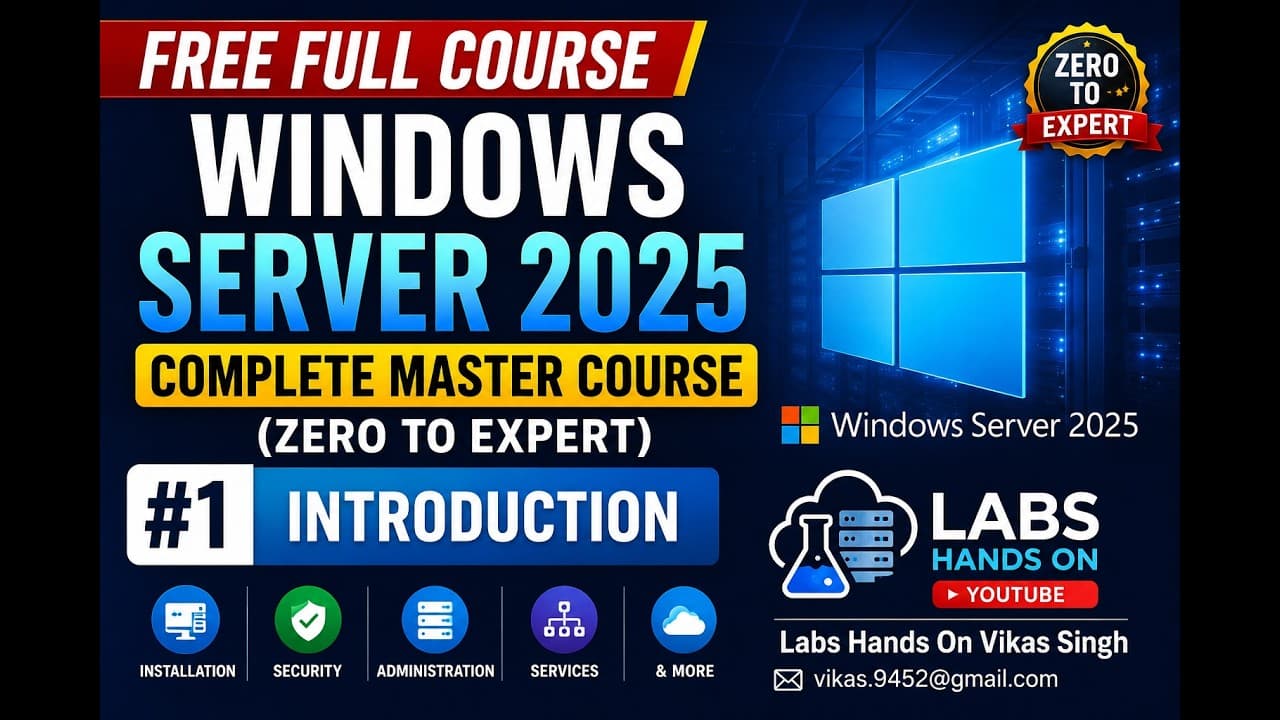 YouTube
Price
This course is free to watch on its platform.
Watch free on YouTube →Mark your own learning status. Opening a course link does not establish enrollment.
Loading saved status…
This video series is built around hands-on labs rather than slides alone. It moves from installing the server and choosing an edition through to directory services, storage, virtualization and disaster recovery, so each topic builds on the environment you have already set up.
The material assumes a capable Windows PC running Hyper-V, VMware Workstation or VirtualBox. The listed guidance is 16GB of RAM with 32GB preferred and around 200GB of unused disk space, so check your machine before following the server builds.
System administrators, helpdesk staff moving into server work and students preparing for Microsoft infrastructure roles will get the most from it. Expect the troubleshooting and monitoring segments to matter as much as the setup steps.
🚀 Welcome to the Windows Server 2025 Complete Master Course (Zero to Expert) — your complete step-by-step training program to master Microsoft Windows Server from beginner to advanced enterprise level.
If you want to become a System Administrator, Windows Server Engineer, IT Infrastructure Engineer, or Cloud/Datacenter Professional, this FREE full course is designed for you.
This course includes real hands-on labs, practical demonstrations, enterprise scenarios, troubleshooting, best practices, and step-by-step implementation guidance.
What You Will Learn in This Course
✅ Windows Server 2025 Installation & Deployment
✅ Windows Server Editions & Licensing Explained
✅ GUI vs Server Core Administration
✅ Active Directory Domain Services (AD DS)
✅ Domain Controller Installation & Management
✅ DNS Server Configuration & Troubleshooting
✅ DHCP Server Configuration & Failover
✅ Organizational Units (OU), Users, Groups & Computers
✅ Group Policy (GPO) Complete Administration
✅ File Server & Storage Management
✅ NTFS Permissions & Share Permissions
✅ Distributed File System (DFS)
✅ Print Server Configuration
✅ Hyper-V Virtualization
✅ Windows Server Backup & Recovery
✅ Windows Server Security Hardening
✅ Windows Defender & Firewall Management
✅ Remote Desktop Services (RDS)
✅ Certificate Services (AD CS / PKI)
✅ WSUS (Windows Server Update Services)
✅ Failover Clustering
✅ High Availability Concepts
✅ iSCSI Storage Configuration
✅ Storage Spaces & Storage Replica
✅ PowerShell Administration
✅ Windows Admin Center
✅ Performance Monitoring & Troubleshooting
✅ Event Viewer Deep Dive
✅ Server Monitoring & Maintenance
✅ Disaster Recovery Planning
✅ Backup Best Practices
✅ Active Directory Troubleshooting
✅ DNS/DHCP Troubleshooting
✅ Group Policy Troubleshooting
✅ Enterprise Production Best Practices
Who Should Take This Course?
🎯 Beginners who want to start IT Infrastructure careers
🎯 System Administrators
🎯 Windows Server Engineers
🎯 Helpdesk / Desktop Support Professionals
🎯 IT Students
🎯 Cloud Engineers wanting strong infrastructure fundamentals
🎯 Professionals preparing for Microsoft infrastructure roles
Course Features
🔥 100% FREE Full Course
🔥 Step-by-Step Practical Labs
🔥 Real Enterprise Scenarios
🔥 Beginner to Expert Roadmap
🔥 Production Best Practices
🔥 Troubleshooting Included
🔥 Interview-Oriented Concepts
🔥 PowerShell + GUI Administration
Lab Requirements
Minimum Recommended Lab Setup:
💻 Windows 11 / Windows 10 PC
💻 16GB RAM (32GB Recommended)
💻 Intel i5 / Ryzen 5 or better
💻 200GB Free Disk Space
💻 Hyper-V / VMware Workstation / VirtualBox
Optional:
✔ Windows Server 2025 ISO
✔ Windows 11 Client VM
✔ Evaluation Lab Environment
Why Learn Windows Server 2025?
Windows Server remains one of the most critical technologies in enterprise IT.
Learning Windows Server helps you build careers in:
✔ System Administration
✔ Active Directory Administration
✔ Infrastructure Engineering
✔ Cloud Engineering
✔ Hybrid Microsoft Environments
✔ Datacenter Operations
✔ Enterprise Support
👍 Support the Channel
If this course helps you:
Like 👍
Share 🔁
Subscribe 🔔
Comment your questions 💬
📺 Channel: Labs Hands On
👨💻 Created by: Vikas Singh
#WindowsServer2025 #WindowsServer #ActiveDirectory #HyperV #DNS #DHCP #GroupPolicy #SystemAdministrator #ITInfrastructure #MicrosoftServer #WindowsAdminCenter #PowerShell #RDS #FailoverClustering #ITTraining #FreeCourse #ServerAdministration #LearnIT #MicrosoftTraining #LabsHandsOn
Advertisement
No Korshub reviews yet.