Udemy
Free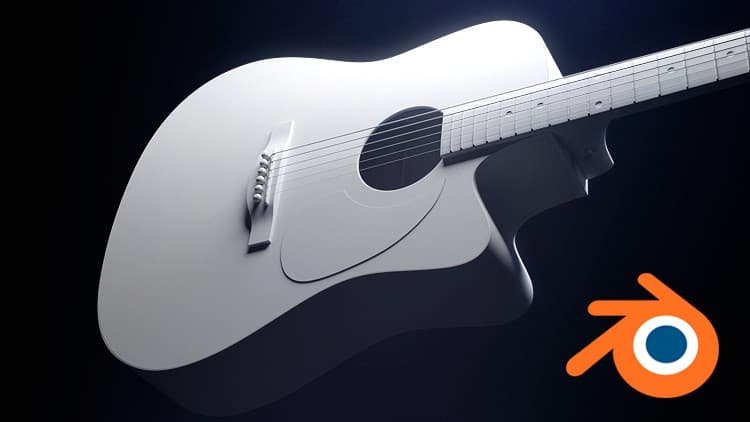 Udemy
UdemyPrice
No active coupon right now
View Course →No coupon right now. We'll tell you when there is one.
Mark your own learning status. Opening a course link does not establish enrollment.
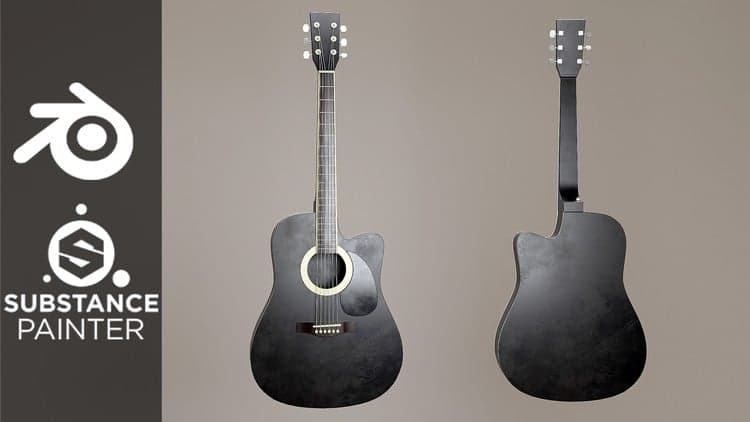
An acoustic guitar is a complete modeling project that teaches hard-surface workflow from start to finish. You'll learn how to set up background reference images, build each part step-by-step, use modifiers to speed workflow, and achieve good topology and perfect shapes.
The instruction is real-time narration: the instructor talks through every action and explains the reasoning, so you understand the thinking, not just the buttons. A hotkey display at the bottom shows exactly what shortcuts are being used as the course proceeds at a steady pace.
You'll gain deeper understanding of modeling techniques that apply to any hard-surface project. Whether you're new to 3D or refreshing your skills, the step-by-step approach and Q&A section give you the foundation to tackle other modeling challenges with confidence.
Whether you're newer to 3D or just looking for a fun project in Blender, modeling acoustic guitars is always enjoyable and presents a lot of great hard surface modeling challenges and opportunities to learn.
In this course I'll be taking you through the entire creation process, start to finish. You'll learn the whole workflow for creating a detailed 3D model, starting from setting up background images to use as references. Then we'll create each part of the model step by step, using smart workflows to achieve good topology and perfect shapes. You'll also learn how to use many different "modifiers" in Blender that help speed up your workflow and make modeling much more efficient and effective.
The narration for these videos is real-time so I'll be talking to you as I'm guiding you through every step, and I'll be explaining why I'm doing everything I'm doing so that you gain a deeper understanding of the entire process. There is also a hotkey display at the bottom of the videos, and I say the hotkeys as I'm using them as well, so you'll always know what I'm doing as I take you through the steps at a steady pace.
If you have any questions about the course along the way, or even if you just want to share your progress, there's a Q&A section beneath every lecture. I hope you enjoy the course!
Advertisement


Not the best price we've seen. The lowest we've recorded is $9.99 on 17 Aug.
This is what we recorded in US pricing — not every price this course has ever had, and prices differ by country.