Udemy
Access
Skillshare membershipIncluded with a Skillshare subscription
This course is included with a Skillshare membership subscription.
Start your free month on Skillshare →30-day free trial, new members only.
Already a Skillshare member? Open the class
No coupon right now. We'll tell you when there is one.
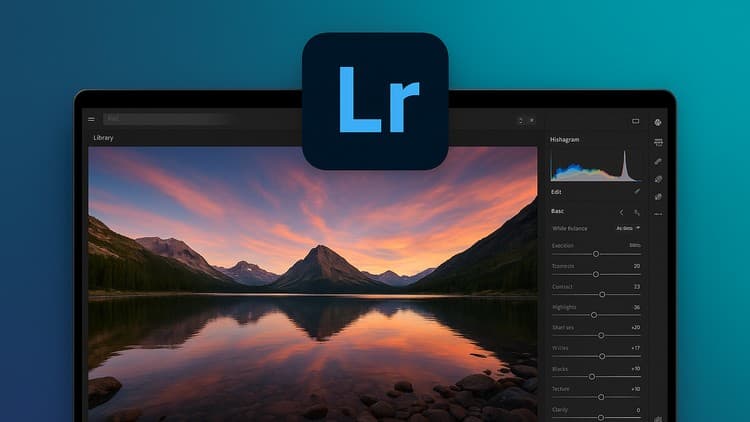
Every photo tells a different story depending on how you edit it. This class teaches you to develop a consistent, recognizable editing style using Adobe Lightroom—the tool most photographers use for color and tone work.
You'll edit real photos alongside the instructor, build presets you can reuse, and develop the discernment to know when your work looks like you instead of a generic filter.
Taught by Sean Dalton — Travel Photographer
Mark your own learning status. Opening a course link does not establish enrollment.
Loading saved status…
From the Skillshare page
In this course we are going to cover everything you need to know about finding and developing your own unique editing style using Adobe Lightroom. We start with discussing the steps you can take to finding your editing style, before showing how you to use Adobe Lightroom as a tool to bring your images to life. Lastly, I will show you how to edit in several different artistic styles, including an orange and teal look, a dark and moody look …
Advertisement
No. It comes with a Skillshare subscription, which has no per-course price, and Korshub has no coupon on record for it.
Not on Korshub's record. It's part of a Skillshare subscription, with no free or one-off price.

Photo Editing: Cinematic Styles in Adobe Camera Raw



Adobe Lightroom CC Photo Editing: Your Lightroom Masterclass
No Korshub reviews yet.