Udemy
 Udemy
UdemyPrice
No active coupon right now
View Course →No coupon right now. We'll tell you when there is one.
Mark your own learning status. Opening a course link does not establish enrollment.
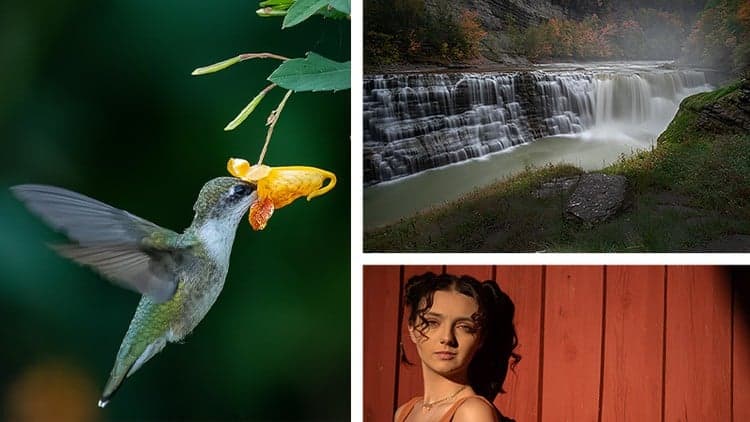
From portraits to landscapes to food photography, this course teaches color grading and retouching best practices for the full range. You'll learn white balance correction, masking, and how to enhance skin, eyes, and details—whether you're working with a professional camera or a phone.
The instructor is an Adobe Certified professional with 16+ years of creative and retouching experience, teaching techniques that make images visually pop. You'll also learn when to reach for Photoshop, how to use presets efficiently, and how to organize and back up your growing library.
The same tools work for color grading video clips, so you'll graduate capable of handling stills and motion. Class projects let you build a portfolio of stunning work as you learn.
Hi! My name is Dan Scott and together you and I are going to take your photographs and transform them into beautiful dynamic images using Adobe Lightroom CC.
I am an Adobe Certified Instructor and I've been working as a creative professional and photo retoucher for over 16 years. I enjoy combining creative work with teaching.
I've won many Adobe teaching awards and recently reached a huge milestone....I have now had over a million people worldwide who have studied using my online courses like this one!
What’s in the course?
You will learn 'best practice' for:
• White balance
• Temperature and color correction
• Masking
We will cover all types of photography:
• Portrait
• Wedding
• Landscape
• Wildlife
• Automotive
• Event
• Architectural
• Drone
• Travel
• Product
• Food
You will learn to color grade like a professional, making simple and powerful color grades which will make your images pop!
You will learn how to:
• Soften and smooth skin texture
• Highlight eyes and whiten teeth
• Enhance hair and make eyes and lips really stand out in a portrait
• Remove unwanted elements from a photograph
• Color grade videos
• Reduce noise and graininess from photos
The same great tools you will have worked with for photographs will also work with video clips.
You will learn how and why to switch between Adobe Photoshop and Adobe Lightroom to achieve optimal results.
One of the most exciting features is learning about presets which will speed and enhance your workflow.
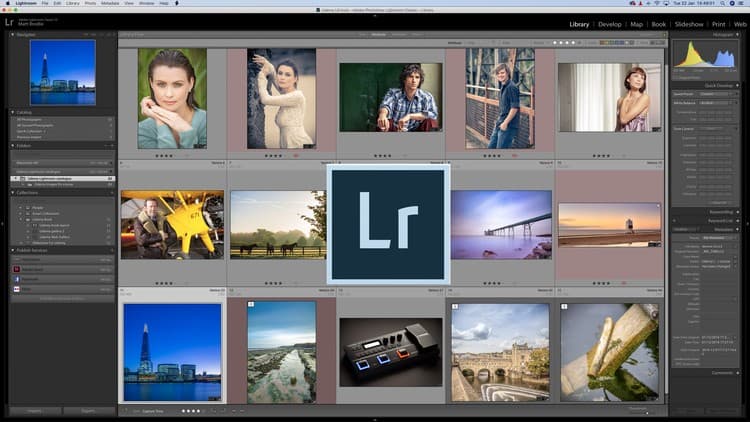
Lightroom is a powerful tool for organising, sorting, color grading and backing up your images.
Who will benefit from this course?
This course is aimed at people who are brand new to image editing and photography in general.
We start right from scratch and work through topics step by step. It doesn't matter whether you are using an expensive 'state of the art' digital SLR camera or a very basic mobile phone - Lightroom will work well for both!
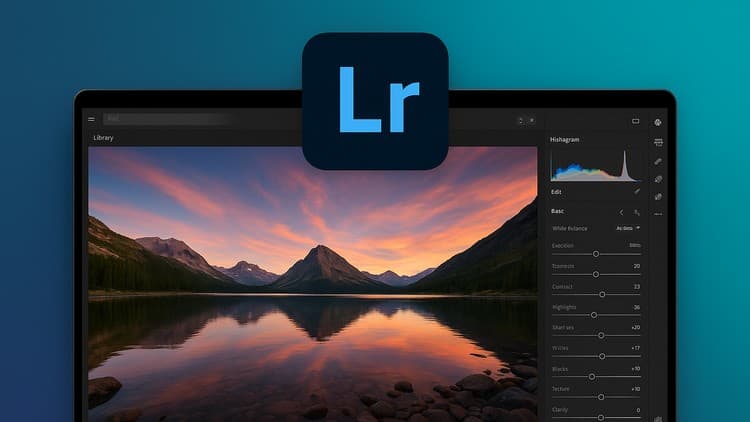
During the course, we will be working with Adobe Lightroom CC, not the older version known as Lightroom Classic. Many of the techniques we will learn will work with both versions of Lightroom software but our focus will be on Lightroom CC desktop.
I will be setting class projects throughout the course so that you can practice the skills you have learned. By working on these projects you will create stunning images to add to your personal portfolio or CV.
Whether you have never used Lightroom or you have opened it and struggled - follow this course with me and together we will take your images and transform them into beautiful, dynamic photographs by using Adobe Lightroom CC.
I'll see you in class!
Advertisement
Adobe Lightroom CC Photo Editing: Your Lightroom Masterclass

Not the best price we've seen. The lowest we've recorded is $9.99 on 18 Aug.
This is what we recorded in US pricing — not every price this course has ever had, and prices differ by country.