Udemy
Price
No active coupon right now
View Course →No coupon right now. We'll tell you when there is one.
Mark your own learning status. Opening a course link does not establish enrollment.
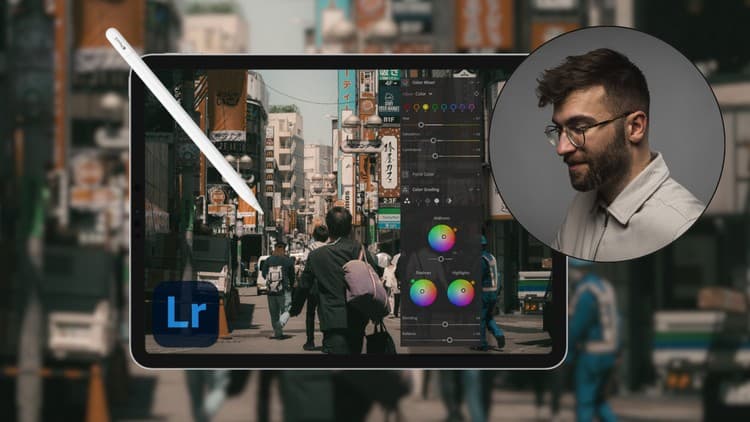
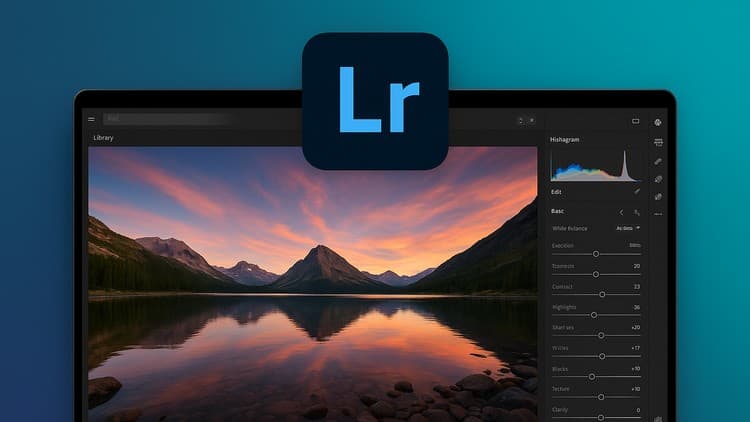
Mobile photography editing lives between casual and professional—Lightroom on your phone bridges that gap. This course teaches the app methodically: importing and organizing with folders and albums, tagging and rating for future discovery, mastering color correction (shadows, midtones, highlights), and advancing to tone curves and color grading via the mixer and color wheel.
The teaching method matters: you edit real photos alongside the instructor, practicing color theory and building your own style through hands-on work, not passive watching. Included RAW and JPEG files mean you're editing alongside, not just watching, so the concepts stick. By the end you'll export publication-quality images directly from your pocket.
Welcome to your new and exciting journey in mastering Lightroom Mobile! This course will take you through the software on your phone (or tablet) point by point so that you can master all the technical and creative features of Lightroom Mobile in one large masterclass. The things you will learn include:
- Importing images and staying organized by categorizing your photos in folders and albums.
- Create a smooth workflow by learning how to tag your photos, mark them by keywords, flag them and rate them so that you can filter your photos and find them with ease many years from now.
- Master the technicalities behind the color correction and understand important lingo like shadows, midtones & highlights. Learn how to correct your photos to make them resemble reality as much as possible.
- Learn advanced features like the tone curve, which you can use for both color correction and grading.
- Stylize your photos by mastering the color grading features such as the color mixer, tone curve, black and white color grading and color wheel respectively.
- Understand how you can use all of these features to create your own style.
- Create your own presets and export your photos in highest possible quality.
I'm a big proponent of learning by doing so this course will provide you with RAW photos and JPEGS so that you can sit and edit together with me, as we go along.
The curricula is designed to carefully teach you everything about Lightroom Mobile through practice, so that you can make sure to really implement the concepts you learn in your day to day editing after finishing the course.
Advertisement




Not the best price we've seen. The lowest we've recorded is $9.99 on 17 Aug.
This is what we recorded in US pricing — not every price this course has ever had, and prices differ by country.