YouTube
FreeAutoCAD Full Course in One Video | 2D + 3D (Beginner to Pro)
CourseNo ratings yetBEGINNER
Free
 YouTube
Mark your own learning status. Opening a course link does not establish enrollment.
Loading saved status…
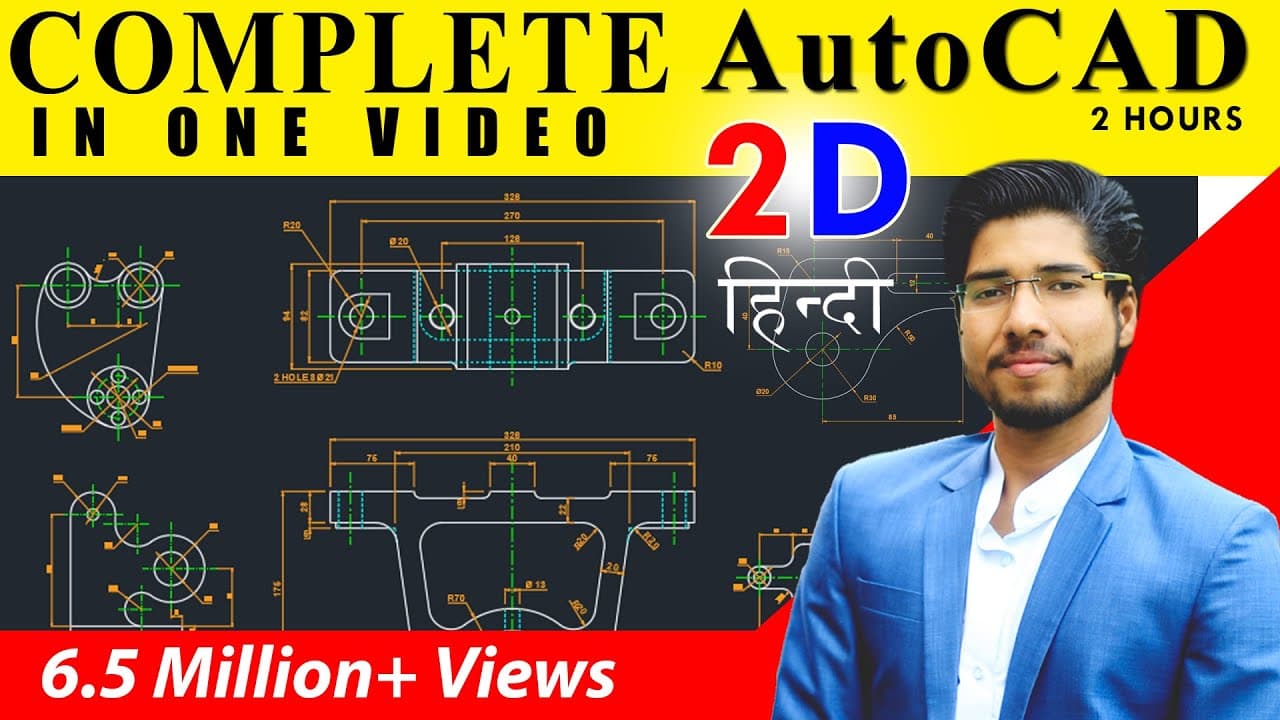
This video aims to take a complete beginner through AutoCAD in about two hours, covering the commands and settings needed to make common drawings. It targets civil, architecture and mechanical students, and works through practical drawings to show each command in use.
It opens with the interface and the ribbon, then moves to the user coordinate system, drawing limits and toggle keys. Command practice follows, then centre lines, trim, offset, fillet, rotate, hatching and dimensions.
Students who want a fast overview before committing to a longer course. Keep AutoCAD open while watching so each command can be tried straight away.
We will learn complete AutoCAD for beginners in just 2 hours. If you want to learn AutoCAD from basic level this is the best video for you. I have covered all the commands and settings you need to learn to ma any drawing in AutoCAD. I this video we will Learn different AutoCAD Drawings for Civil / Arch / Mechanical students.
-----------------------------------------------------------------------
☺ JOIN OUR COMPLETE BASIC TO ADVANCE COURSES
📲 Download CADDapp Now – Learn AutoCAD, Revit, 3ds Max & More :
https://play.google.com/store/apps/details?id=co.lynde.vlqtg
-----------------------------------------------------------------------
🛒 Buy Complete Courses: https://web.caddapp.com
✉️ CALL / Whatsapp : +91 8055344556
✉️ WhatsApp Chat : https://wa.me/918055344556
-----------------------------------------------------------------------
✔️ AutoCAD 2D + 3D Course – https://web.caddapp.com/new-courses/1-complete-autocad-2d-3d-course-civil-arch-interior
✔️ AutoCAD Mechanical – https://web.caddapp.com/new-courses/3-autocad-mechanical-2d-3d-complete-course
✔️ Revit Complete Course – https://web.caddapp.com/new-courses/4-complete-revit-course-enscape-rendering
✔️ 3ds Max + Corona Course – https://web.caddapp.com/new-courses/5-complete-3ds-max-with-corona-render-course
✔️ SketchUp Pro Complete – https://web.caddapp.com/new-courses/35-complete-sketchup-pro-2025-26-basic-to-advance-course-weekly-videos
✔️ YQ Arch Complete Course – https://web.caddapp.com/new-courses/7-yq-arch-in-autocad-complete-course
✔️ Submission Drawing – https://web.caddapp.com/new-courses/11-submission-drawing-complete-course
-----------------------------------------------------------------------
🎁 What You Get in Our Courses
-----------------------------------------------------------------------
✔️ 1500+ FHD Recorded Lessons
✔️ Use on Mobile / Laptop / Tablet
✔️ Certificate of Completion after Exam
✔️ Chat Support & Doubt Solving
✔️ Free Practice Files
✔️ Lifetime Access
✔️ Software Download Links
✔️ Lowest Price Guarantee
✔️ Future Updates Included
-----------------------------------------------------------------------
📌 Follow Us for Updates & Support
-----------------------------------------------------------------------
🌐 Website : https://caddapp.com
📲 YouTube : https://www.youtube.com/@MicroCADDIndia
📷 Instagram : https://www.instagram.com/mukhtar_ansari1/
🎥 Telegram : https://t.me/microcaddofficial
📱 WhatsApp : https://whatsapp.com/channel/0029VaFQj28GE56lpbEq5W0B
----------------------------------------------------------------------
📚 #microcadd #CADDapp #caddappindia #mukhtaransari #autocad #revit #3dsmax #CADDcourses #CADforbeginners #microcaddindia #courses #cadcourses #autocad
------------------------------------------------------------------------------------
00:00 Introduction
2:14 Interface introduction
4:30 Ribbon
5:55 User coordinate system
6:25 View cube
6:33 Navigation panel
7:21 Command bar
7:55 Toggle keys
8:36 About cursor (pick box, cross hair)
10:09 Unit setting
11:26 Drawing limit
14:08 Imp settings in toggle keys
17:01 command practice
31:55 Centre line.
45:28 Trim command
49:24 Properties of centre pattern (properties pallet)
57:39 Tangent line
1:04:41 Shortcut to copy line properties (Match property)
1:09:24 Copy command
1:11:35 Trim command (TR double Enter)
1:13:23 Offset command
1:15:50 Explode command
1:18:36 Mirror command
1:24:59 Space to repeat dimension
1:25:42 Copying the circles
1:26:08 Array method to copy.
1:34:29 Fillet command
1:37:27 Rotate command
1:41:40 Chamfer command
1:48:25 Ray command
1:52:14 Hatching
2:00:40 Extend command (EX double enter)
2:07:52 Dimensions
2:08:52 Dimensions settings
Advertisement
No Korshub reviews yet.
AutoCAD Full Course in One Video | 2D + 3D (Beginner to Pro)
AutoCAD Tutorials for Beginners || Complete AutoCAD Training In Hindi || By Ansari Sir || DigitalCADD App ||
AutoCAD Complete Tutorial in Hindi | AutoCAD Tutorial for Beginner
Revit Complete Tutorial for Beginners (12.5 Hours) | Civil + Architecture + Structure Full Course
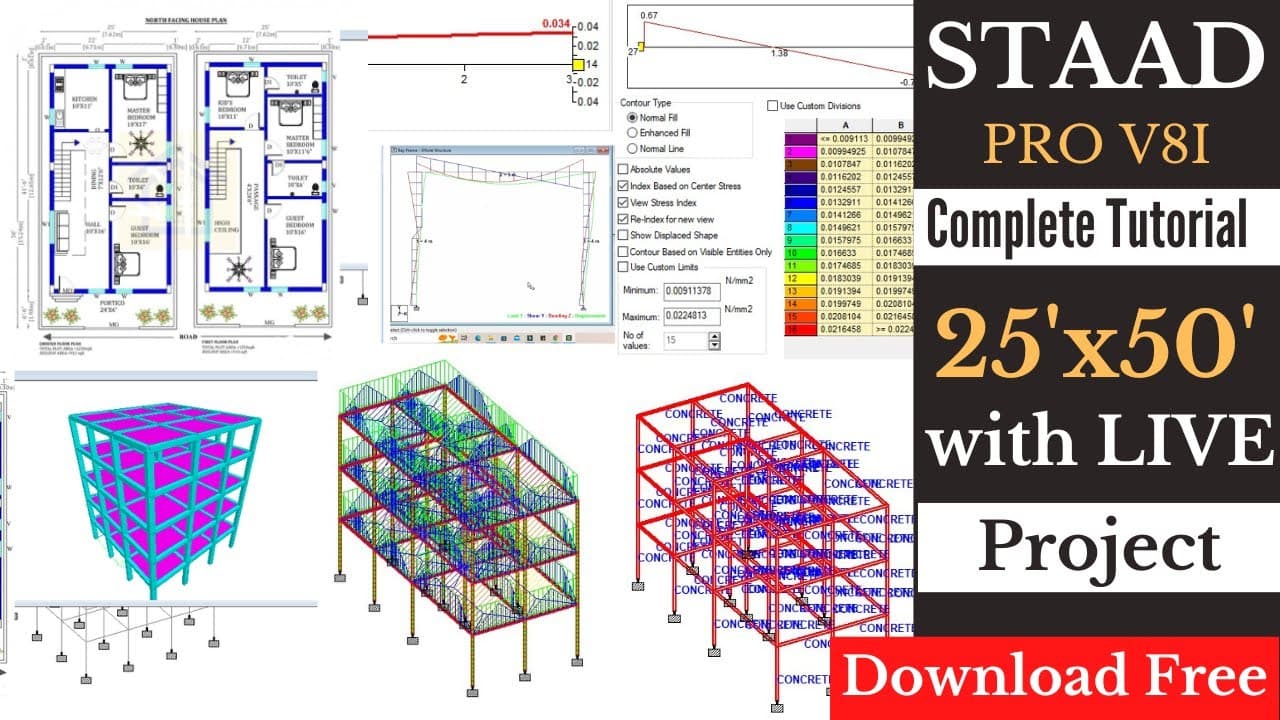
Complete STAAD.Pro Tutorial in Just 3+ Hours | 🟢 Live Project Working
Complete Revit Architecture Course | 6 Hours | Get Free Certification