Skillshare
SubscriptionColor Grading for Filmmaking: The Vision, Art, and Science
Course3.817kALL LEVELS
Skillshare membership
View course →Access
Skillshare membershipIncluded with a Skillshare subscription
This course is included with a Skillshare membership subscription.
Start your free month on Skillshare →30-day free trial, new members only.
Already a Skillshare member? Open the class
No coupon right now. We'll tell you when there is one.
Taught by Jon Brommet — Crusoe Design Co.
Mark your own learning status. Opening a course link does not establish enrollment.
Color grading isn't reserved for filmmakers—it's a powerful technique for photographs, adding tone and emotion in minutes. This class teaches complementary color strategies that build mood and atmosphere, practical methods to apply color grading in Photoshop, Lightroom, or your preferred editor, and how to develop a personal visual style through intentional color choices. Whether you're editing your own work or stock photos, you'll learn to see color as a narrative tool. The 36-minute class suits photographers, editors, and creators looking to add cinematic depth without complexity.
Color Grading Photographs: Add Cinematic Style to Your Photos in Minutes
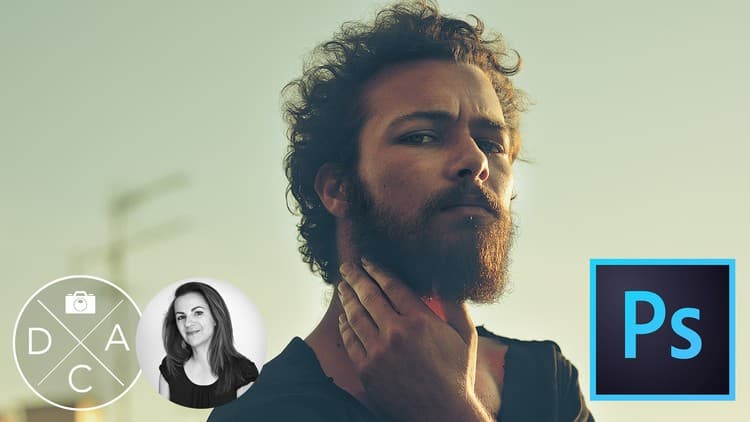
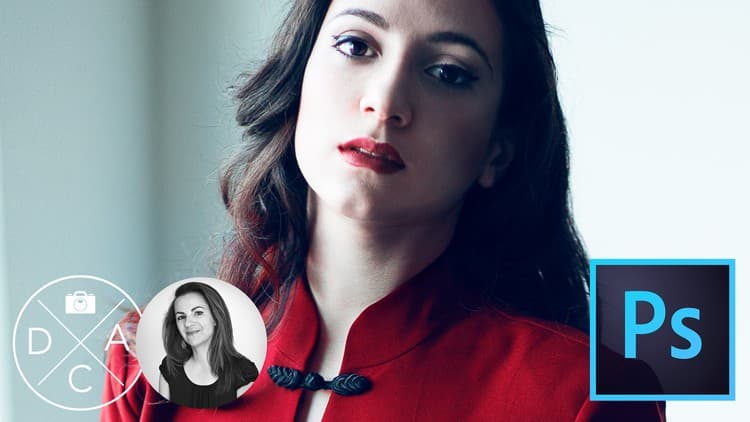
Color grading isn’t just for Hollywood. This powerful technique, used in countless blockbuster films, can transform your photographs by adding tone, emotion, and cinematic flair. In this class, you’ll learn how to apply color grading techniques to your photographs—with easy, impactful results.
Whether you're editing original photos or working with stock imagery, these simple methods will help you dramatically enhance mood and storytelling through color.
In this class, you’ll learn how to:
Understand the fundamentals of cinematic color grading
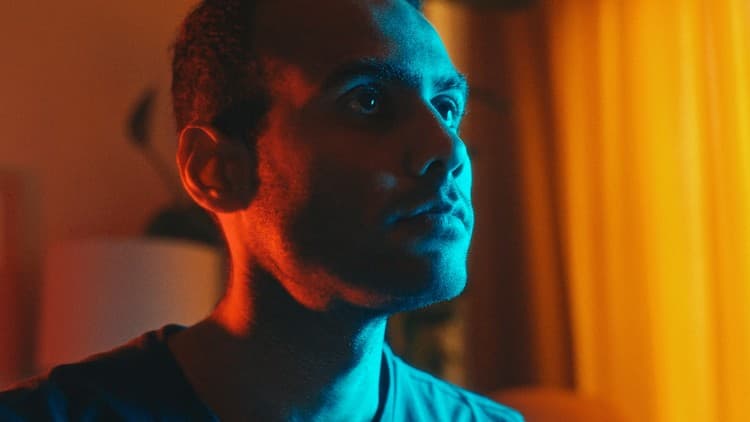
Use complementary color tones to add mood and emotion
Apply 3 easy, effective color grading methods in your photo editor
Develop your own visual style by adjusting light, tone, and hue
Once you learn to see color grading in your photos, you'll start seeing it everywhere—especially in your favorite films.
Who This Class Is For:
Perfect for photographers, editors, content creators, or anyone interested in giving their images a cinematic look. No advanced skills required—this class is beginner-friendly and technique-focused.
Tools & Software You’ll Use:
Your preferred photo editing software (Photoshop, Lightroom, or similar)
Sample photos (yours or downloaded)
Class Runtime: Approximately 36 minutes
Advertisement
Color Grading for Filmmaking: The Vision, Art, and Science
Photo Editing: Cinematic Styles in Adobe Camera Raw