Udemy
 Udemy
UdemyPrice
No active coupon right now
View Course →No coupon right now. We'll tell you when there is one.
Mark your own learning status. Opening a course link does not establish enrollment.
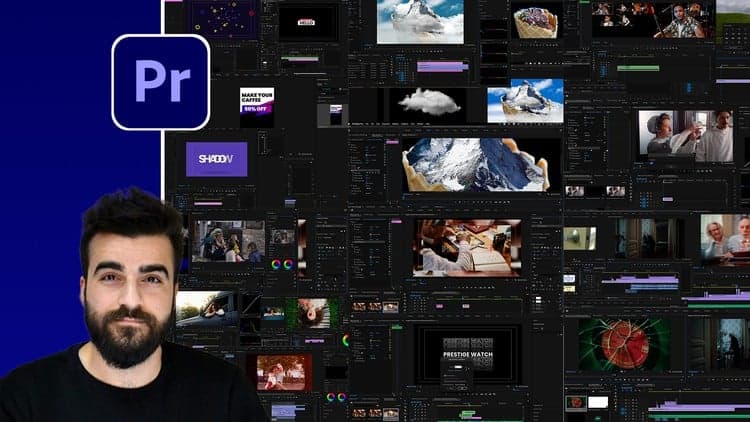
Many color courses bury you in theory before touching a single tool. This one jumps straight into practical work with Premiere Pro's Lumetri suite. You'll learn by doing: fixing real footage problems, matching colors across clips, and building the cohesive look that separates amateur edits from professional ones. The instructor, who's spent more than a decade teaching online and maintains a substantial YouTube audience, knows how to build intuition, not just checklist knowledge.
The course assumes you're already comfortable with Premiere Pro basics and focuses entirely on Lumetri's controls: scopes, advanced correction techniques, and the workflow that professionals use. You'll develop an eye for what makes footage cinematically compelling and the technical skills to execute that vision. Perfect for video editors ready to add professional color work to their toolkit without getting lost in theoretical rabbit holes.
About This Class
Start learning Color Correction and Color Grading in this complete beginners class. This class does not cover boring theory lessons. As of the first lesson we dive straight into practical examples and real situations.
By the end of the class you'll have a complete understanding of all the color correction tools within Adobe Premiere Pro's Lumetri.
THE INSTRUCTOR
Are you confused with the color correction tools and how they work? What is a good color grading? And how can I get that 'Cinematic Look'? Tons of questions that I'm super excited for to explain.
My name is Jordy Vandeput and I've been teaching online classes for more than 10 years. With over 1,800,000 subscribers on YouTube, I teach the world about filmmaking and video editing in a fun and exciting style.
WHAT WILL I LEARN?
Lumetri controls and how they work
Using the Scopes in function of a Color Correction
Performing advanced Color Correction tasks
Fixing bad Footage
Matching Levels and Colors of different clips
How to create a Look
A Color Correction and Grading Workflow
FOR WHO IS THIS CLASS?
Any enthusiast who's already familiar to the basics of Adobe Premiere Pro and like to learn how professionals color correct videos.
FAQ
Do I need a fast computer?
You don’t need a high-end computer. Please check the recommendations from Adobe.
How can I contact the Instructor?
If you need help during the course, Jordy is happy to help you. Udemy users can use the dedicated discussion.
Advertisement
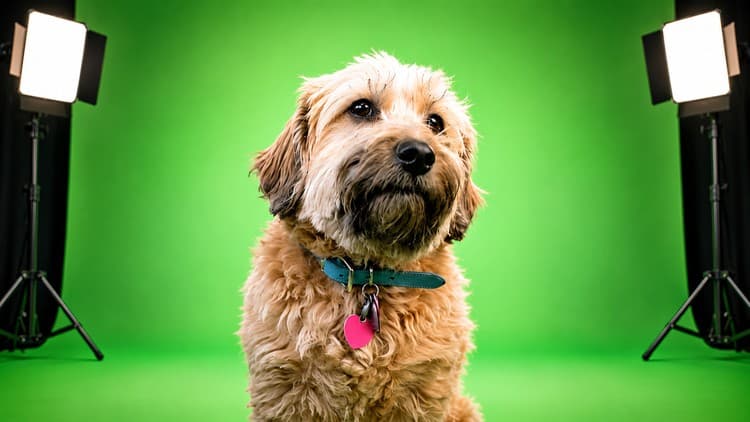
Green Screen Editing: Premiere Pro, Final Cut, After Effects
Not the best price we've seen. The lowest we've recorded is $9.99 on 17 Aug.
This is what we recorded in US pricing — not every price this course has ever had, and prices differ by country.