Udemy
Free Udemy
UdemyPrice
No active coupon right now
View Course →No coupon right now. We'll tell you when there is one.
Mark your own learning status. Opening a course link does not establish enrollment.
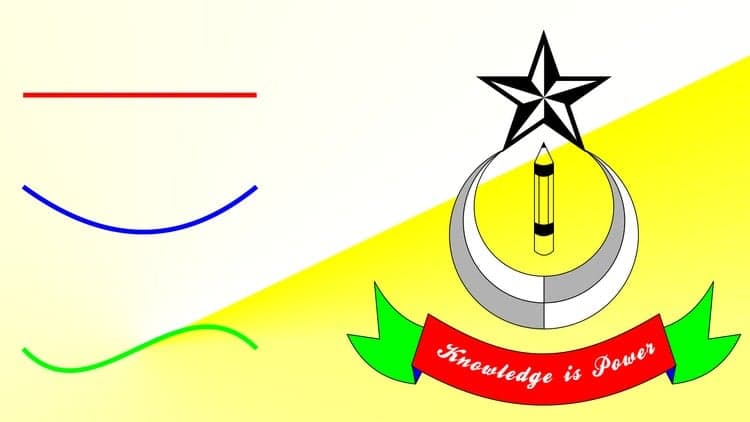
CorelDRAW is the tool of choice for professional designers creating posters, banners, logos, and print materials. This course teaches you not just the software, but the thinking behind professional design—combining shapes into cohesive logos, managing color palettes, integrating photos, and arranging elements so they actually communicate.
You'll work with practice files included in the course, following hands-on lessons that build progressively. By the end, you'll have designed a complete business card—a real, portfolio-ready deliverable.
The instructor has been working in CorelDRAW since 2003 and has taught thousands of students in live workshops. The course works with virtually any version of the software, so your existing tools won't hold you back. By the conclusion, your confidence to work independently will have transformed completely.
Start creating professional graphic design in Corel DRAW.
If you're looking for a software that is user-friendly and you can easily create logos, business cards or flyers, Corel Draw is the best answer. Corel DRAW is used by professionals across the world for every promotional material, such as posters, roll-up banners, business cards, brochures or logos.
Create graphics the way you want them.
Practice while you learn. This course includes practices files so you can follow along and actually learn by doing.
By the end of this course, you will have created your own business card.
I'll be teaching this course using CorelDRAW 2018, but if you have a previous version (X8, X7, X6, X5, X4 or X3) you can still learn like a pro. Also, you can also work in CorelDRAW 2020.
What makes me qualified to teach you?
My name is Radu and I've been working in CorelDRAW since 2003. Further more I'm teaching CorelDRAW in LIVE class-sessions since 2011 and have done so to over 1700 students.
I would guide anyone to do this course, especially with this teacher. Catalin Palade, Course Graduate
Well-structured and full of useful information. Cristian Vasilescu, Course Graduate
The best and most practical course I have ever attended. Iulia Adamache, Course Graduate
I needed a CorelDRAW course for my business, we intend to save money making the design of the flyers alone. I chose Radu's course, and it was the best investment I've ever made in my life. Sabina Stroescu, Course Graduate
We're in this together!
I'm a full-time graphic designer, trainer and online instructor. I'll be here for you every step of the way. If you have any questions about the course content or anything related to this topic, you can always post a question in the course or send me a direct message.
What is this Corel DRAW Course all about?
In this beginner's CorelDRAW course you will not only learn how to create professional graphic design, but also how to set your mindset to reach out to your goals.
This course will cover everything you need to know to to start working on your graphic design files, including:
Creating a document to start with
Creating shapes to be used in your layout
Combining shapes to create logos and graphical elements
Using custom color palettes
Editing text and installing fonts
Aligning and grouping objects
Importing and cropping images
By the end of this course, your confidence to work on your own will soar. You'll have a thorough understanding of how to use CorelDRAW for fun or as a career opportunity.
Advertisement
Design with Confidence: Adobe Illustrator Basics (Mar 2026)


Adobe CC Masterclass: Photoshop, Illustrator, XD & InDesign
Not the best price we've seen. The lowest we've recorded is $11.99 on 17 Aug.
This is what we recorded in US pricing — not every price this course has ever had, and prices differ by country.