
Udemy
FreeAccess
Skillshare membershipIncluded with a Skillshare subscription
This course is included with a Skillshare membership subscription.
Start your free month on Skillshare →30-day free trial, new members only.
Already a Skillshare member? Open the class
No coupon right now. We'll tell you when there is one.
Olga Shevyakova teaches her personal workflow for digitizing watercolors—a skill valuable whether you're moving to design work or exploring digital trends. She covers both raster and vector approaches.
The class breaks into three parts: capturing high-quality scans, refining in Photoshop, then tracing and post-processing in Illustrator. Each step builds on previous work.
Once you've digitized your watercolors, options open: design applications, Etsy shops, print-on-demand products, or simply having digital versions of your work. The technique itself becomes a gateway to new possibilities.
Taught by Olga Sh — Sketch Illustrator | Master Coach ICI
Mark your own learning status. Opening a course link does not establish enrollment.
Loading saved status…
From the Skillshare page
There are several ways to make your watercolors digital. In this class, Olga Shevyakova, graphic designer and illustrator, will show you her personal process of getting watercolors into digital version (both raster and vector). This -minute class is broken up into tree main parts: Scanning, Editing in Photoshop and Converting into vector in Illustrator. In these parts you’ll know about scanning tips for having a high-quality image, editing in Photoshop process, and, finally, about tracing and post-processing results in Illustrator. …
Advertisement
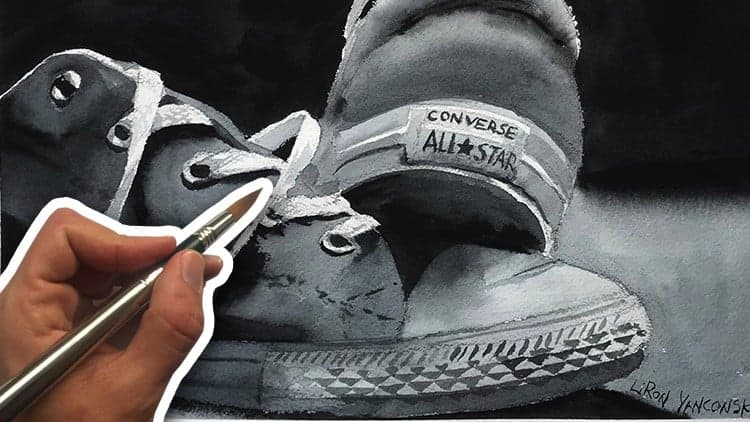
Transform Watercolor Illustrations into Intricate Patterns
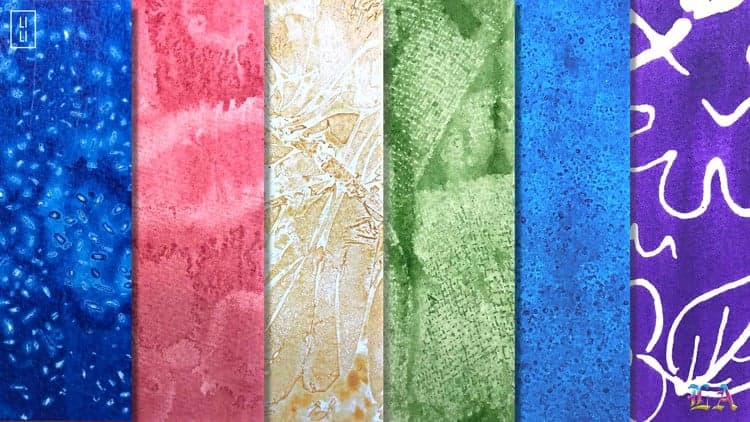
Foundations for Mastering Watercolor Painting / FIRST STEPS
Watercolor Photoshop Painter: Create Watercolor Art From Photos
No. It comes with a Skillshare subscription, which has no per-course price, and Korshub has no coupon on record for it.
Not on Korshub's record. It's part of a Skillshare subscription, with no free or one-off price.
No Korshub reviews yet.