Udemy
FreeAccess
Skillshare membershipIncluded with a Skillshare subscription
This course is included with a Skillshare membership subscription.
Start your free month on Skillshare →30-day free trial, new members only.
Already a Skillshare member? Open the class
No coupon right now. We'll tell you when there is one.
Taught by Jamie Bartlett — Graphic designer and left-handed letterer
Mark your own learning status. Opening a course link does not establish enrollment.
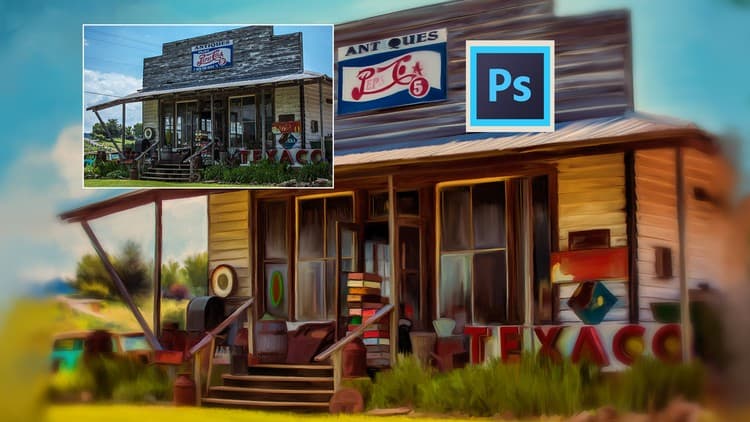
Transform any photo into a watercolor-style painting using a single Photoshop technique. Once built, the effect is completely reusable and modifiable—apply it to unlimited images without rebuilding from scratch.
Create custom, frame-ready pieces or print-on-demand products. The step-by-step process is designed for anyone to follow, regardless of Photoshop experience.
The beauty here is simplicity: master the core effect, then experiment with variations. Each new photo instantly transforms, letting you iterate quickly without technical friction.
In this class I’m going to show you how to turn any photo into a watercolor style painting in photoshop. This effect is a great way to make some fun, custom wall art. Once the effect is built, it can be reused and modified over and over again to work with any photo.
Anyone can take this class and easily follow along with my step-by-step instructions.
I can’t wait to see what you guys create.
Advertisement
Transform Watercolor Illustrations into Intricate Patterns
Watercolor for Surface Pattern Design: Working with Adobe Illustrator