Udemy
Free Udemy
Free and discounted course coupons, posted every day.
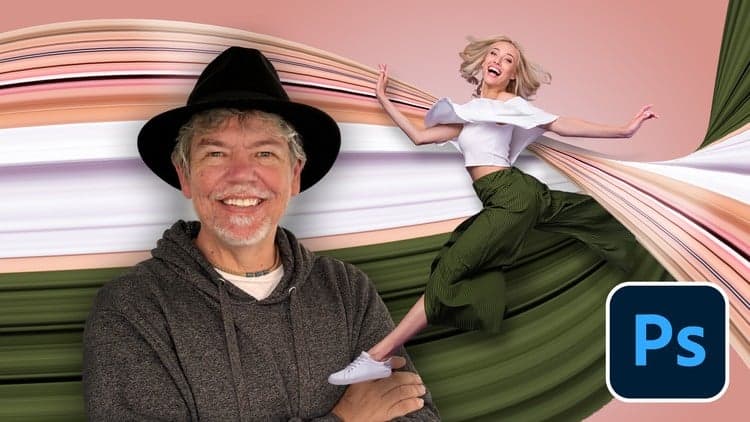
A short, beginner-friendly class from an Adobe Certified Instructor covering two fun Photoshop projects: a playful paper cutout effect placed inside text, and text distorted into custom shapes — all using Adobe Photoshop's AI tools.
Total beginners are welcome — no prior Photoshop experience is required, and every asset used is created within the lessons rather than downloaded.
Key takeaway: a quick, practical way to produce eye-catching text effects for posters, cards, and social posts using Photoshop's newer AI capabilities.
Mark your own learning status. Opening a course link does not establish enrollment.
Loading saved status…
From the Udemy page
If you’re looking to create fun, eye-catching, and easy to create paper cutouts and text effect designs, then you’re in the right place. Whether it’s Posters, Adverts, Banners, Birthday Cards, Children’s Wall Designs, Websites or Social Media Posts, these professional techniques will make your work really pop!
Hi, I'm Tim!
I’m an Adobe Certified Instructor and Expert, and I work as a designer based in London. …
Advertisement
Yes. It's free on Udemy.
Easily Create Colorful Image Backgrounds in Adobe Photoshop
Adobe Photoshop Crash Course in 60 Minutes - Quick and Easy
No Korshub reviews yet.