Udemy
Free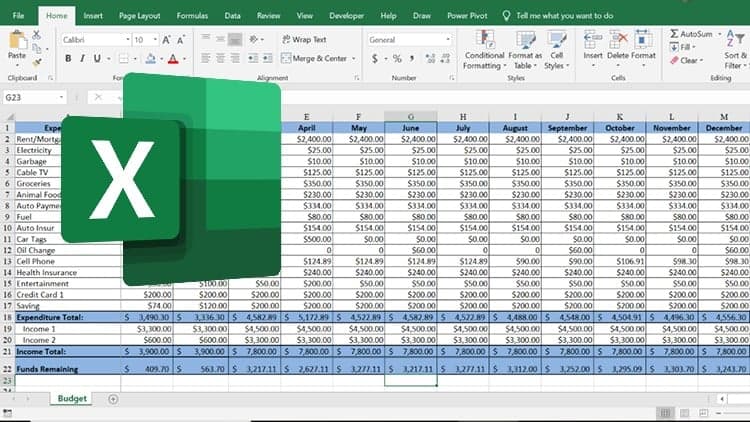 Udemy
UdemyMark your own learning status. Opening a course link does not establish enrollment.
This course teaches Excel by having you build something you'll actually use afterward: a personal budget. Rather than covering features in the abstract, it walks through a real project step by step.
You'll follow along video by video as a personal budget spreadsheet is built from the ground up, picking up practical Excel skills along the way. The material is broken into manageable chunks so you can move at your own pace without getting buried in exhaustive, unnecessary detail.
Beginners who want to learn Excel through a concrete, useful project rather than a feature-by-feature tour. By the end, you'll have both a working knowledge of Excel and a usable budget spreadsheet you can keep using.
Questions are welcomed throughout, so if a step doesn't click right away, you're encouraged to ask rather than move on confused.
The best way to learn Excel is to jump right in and start on a project. What better project than creating a personal budget. Follow along with each video as I guide you through the project, step-by-step.
I could take you through each feature of Excel that I feel you should know as a beginner. And it might make sense - until you try to put it all together with your own project. At the end of this course, you will a have a working knowledge of Excel and a usable spreadsheet - your budget!
This course is packed with information, but is is also kept simple. You will not be buried in complicated or exhaustive explanation that cause confusion.
Each detail is broken down into sizable chunks, which makes it easy for you to move along at your own pace.
You are encouraged to ask as many questions as you like regarding the course and project.
Advertisement

Project Management: How to Compile a Project Budget in Excel