
Udemy
Adobe Lightroom CC Photo Editing: Your Lightroom Masterclass
Course4.7205kALL LEVELS
$99.99
Price
No active coupon right now
View Course →No coupon right now. We'll tell you when there is one.
Mark your own learning status. Opening a course link does not establish enrollment.
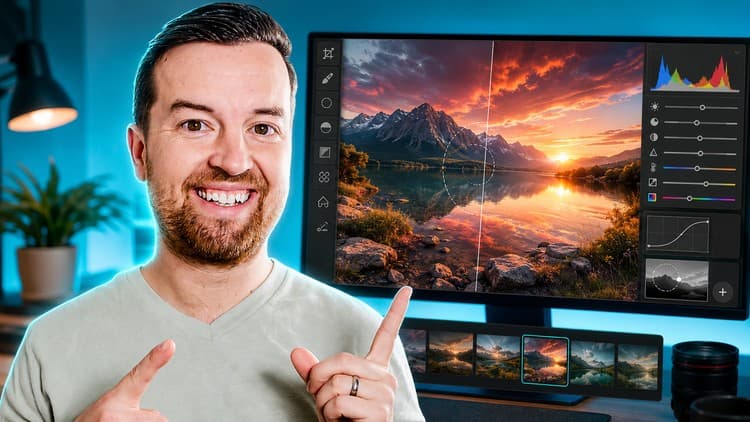
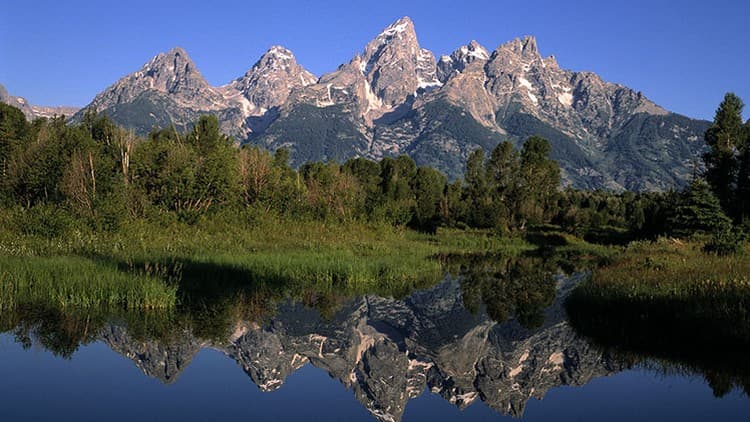
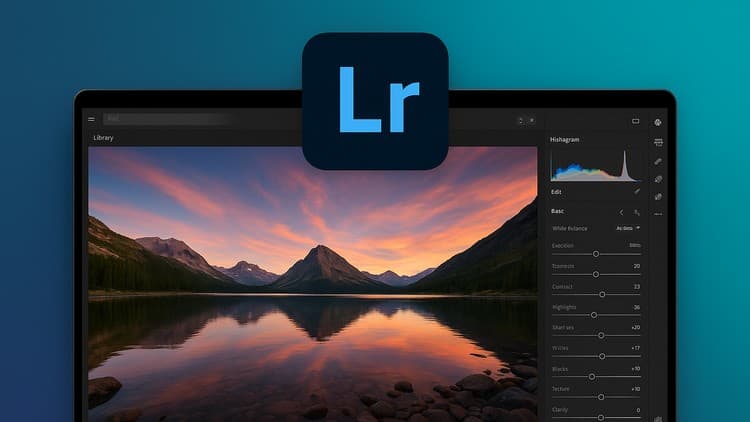
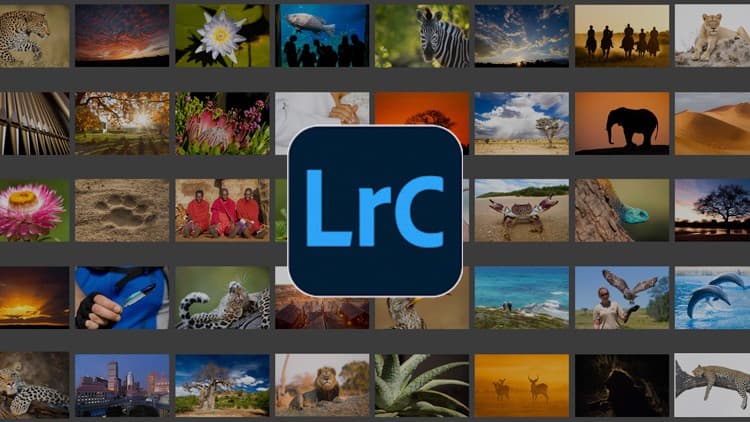
Landscape shots from your camera often fall flat until you edit them in post. This course teaches you the full Lightroom toolkit—graduated filters for skies, brushes for selective edits, split toning for mood, tone curves for detail, and the healing brush for cleanup.
You'll follow complete editing walkthroughs on downloadable RAW files, so you practice on real data and see how each tool shapes a final image. The lessons build from basics (exposure, color temperature, saturation) to advanced moves (clarity, dehaze, presets).
Best for: photographers tired of JPEG output who want their landscape work to shine. Even if you use different editing software, Lightroom's philosophy teaches you the universal language of photo editing.
You want your photos to look amazing, right?
Perhaps you come home from a photo shoot or your latest travel, and the photos you shot just aren't as magical as the ones you see other photographers posting.
It's time to start editing!
This landscape photo editing course will teach you how to make your photos look incredible!
You'll love this course if you enjoy watching full length Lightroom editing tutorials.
We'll start with a basic process for editing any type of landscape photo, then we'll build on that with more advanced edits like graduated filters, brushes, split toning, and more!
Follow along with downloadable practice files for every lesson!
It's best to learn by doing. So when you enroll, you get access to all of the RAW photo files to practice with.
We'll be editing in Adobe Lightroom Classic CC. It's best that you use the same version of Lightroom. But if you have another photo editing app, you'll still be able to follow along. The process is basically the same no matter what editing application you use. It's just the buttons and things will be different.
Learn a professional process with all of the following tools:
Crop & aspect ratio
Exposure adjustments
Color temperature, saturation, vibrance
Clarity, dehaze and other filters
Tone curve
Focused edits using graduated, radial and brush filters
Remove unwanted spots with the healing brush
Split toning styles
Color styles and presets
and so much more
By the end of this course you will be confident editing photos in Lightroom and making them look better than ever!
We have a 30-day 100% moneyback guarantee, so there's no reason to hesitate.
Enroll now and we'll see you in lesson 1!
Cheers,
Phil Ebiner
Advertisement
Adobe Lightroom CC Photo Editing: Your Lightroom Masterclass

Not the best price we've seen. The lowest we've recorded is $9.99 on 18 Aug.
This is what we recorded in US pricing — not every price this course has ever had, and prices differ by country.