Skillshare
SubscriptionScreen-Printing Grain Effect in Adobe Photoshop
Course4.310kALL LEVELS
Skillshare membership
View course →Access
Skillshare membershipIncluded with a Skillshare subscription
This course is included with a Skillshare membership subscription.
Start your free month on Skillshare →30-day free trial, new members only.
Already a Skillshare member? Open the class
No coupon right now. We'll tell you when there is one.
Taught by Jamie Bartlett — Graphic designer and left-handed letterer
Mark your own learning status. Opening a course link does not establish enrollment.
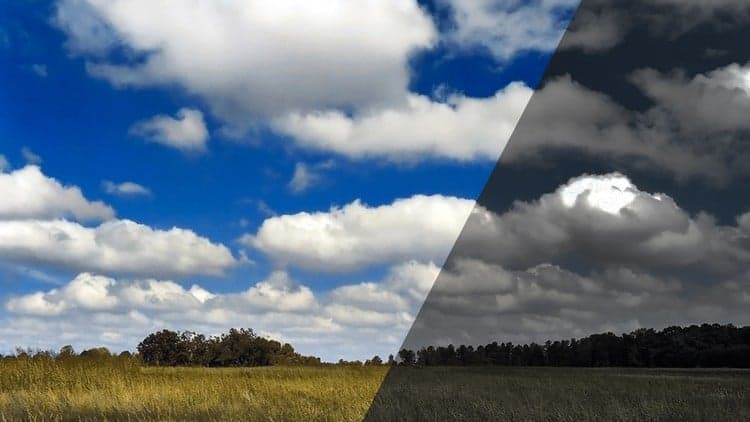
A focused, step-by-step class on recreating the distinctive risograph print look inside Adobe Photoshop, turning an ordinary photo into custom wall art. The effect is built once as a self-contained technique, so once it exists it can be dropped onto new images again and again without rebuilding it from the ground up each time.
Beginners who want an approachable, follow-along Photoshop project that produces a distinctive, print-ready result without requiring prior editing experience.
In this class I’m going to show you how create a risograph effect in Photoshop. This effect is a great way to turn any photo into some fun, custom wall art. Once the effect is built, you can easily swap out other images and reuse what you have already made. Anyone can take this class and easily follow along with my step-by-step instructions.
I can’t wait to see what you guys create.
______________
Looking for more inspiration? Head here to discover more classes on Adobe Photoshop.
Advertisement
Screen-Printing Grain Effect in Adobe Photoshop