Skillshare
SubscriptionThe Beginner's Guide to Animating Custom GIFs
4.3 on Skillshare (570 ratings)26k studentsBEGINNER
Access
Skillshare membershipIncluded with a Skillshare subscription
This course is included with a Skillshare membership subscription.
Start your free month on Skillshare →30-day free trial, new members only.
Already a Skillshare member? Open the class
Watch this course
No coupon right now. We'll tell you when there is one.
What's in this class
Korshub's take
Animate Your First GIF in After Effects
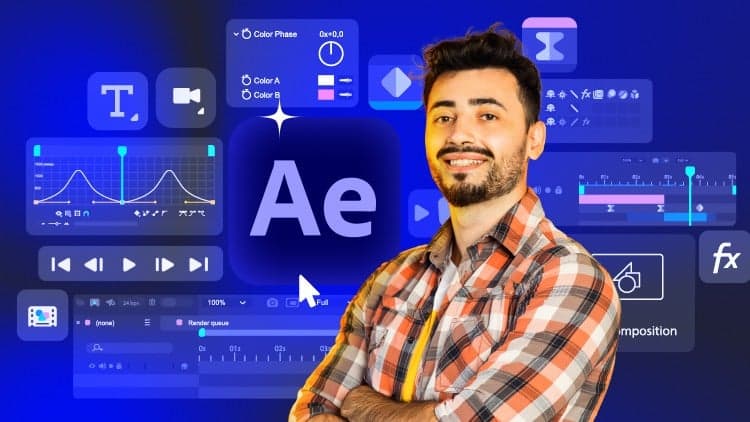
Turn your designs into moving art. In this beginner-friendly guide, you'll learn Adobe After Effects from scratch—importing files, setting keyframes, and creating smooth frame-by-frame animation. Jake walks you through organizing layers, rotating objects naturally, and animating backgrounds, then shows the secret to looping and exporting a perfect GIF.
Whether you want to animate a graphic design or create a full motion project, this class bridges the gap between static work and motion graphics.