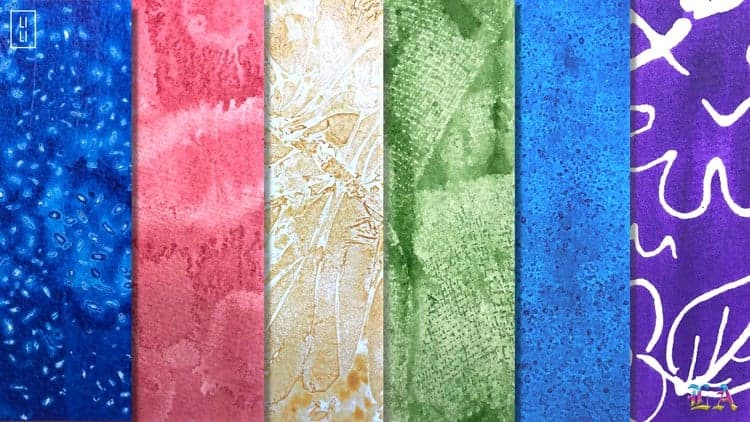
Create a completely customizable watercolor texture effect using Photoshop's smart objects and smart filters—no external resources needed. The effect dynamically updates based on your artwork, letting you reuse and re-customize instantly.
Apply the effect to multiple pieces without rebuilding it each time. Adjustments flow through the entire setup, saving hours on repetitive work.
This isn't a one-trick effect; it's a repeatable technique that adapts to your projects. Perfect for anyone creating multiple watercolor pieces or exploring variations on a theme.
Learn how to build this completely customizable smart watercolor texture effect entirely within Photoshop, no outside resources needed. This effect dynamically updates based on your artwork. So you'll be able to reuse and re-customize the effect quickly and easily for future projects. The secret sauce behind this method is using Photoshop's smart objects and smart filters. You'll learn everything you need to know to quickly create this watercolor effect.
Access
Skillshare membershipIncluded with a Skillshare subscription
This course is included with a Skillshare membership subscription.
Start your free month on Skillshare →Advertisement
30-day free trial, new members only.
Already a Skillshare member? Open the class
No coupon right now. We'll tell you when there is one.
Taught by Jamie Bartlett — Graphic designer and left-handed letterer
More in Design