Udemy
FreeAccess
Skillshare membershipIncluded with a Skillshare subscription
This course is included with a Skillshare membership subscription.
Start your free month on Skillshare →30-day free trial, new members only.
Already a Skillshare member? Open the class
No coupon right now. We'll tell you when there is one.
Taught by Teela Cunningham — Hand Lettering + Graphic Design
Mark your own learning status. Opening a course link does not establish enrollment.
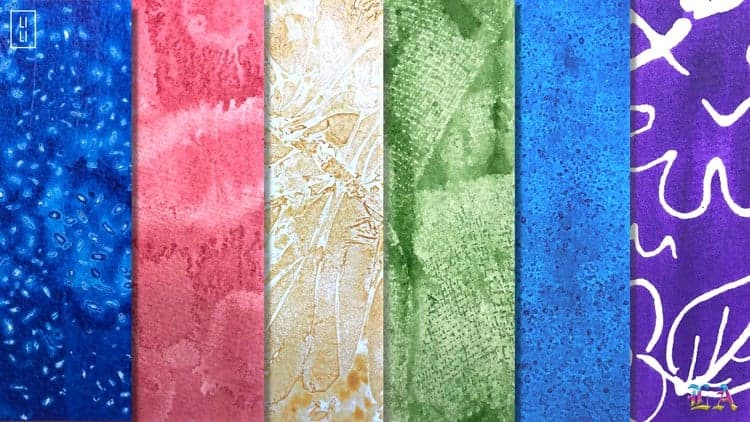
Watercolor textures bring handmade character to modern designs. Create custom textures from scratch, scan and refine them in Photoshop, then apply them to logos, typography, and layouts.
Learn to remove backgrounds, adjust colors, and build seamless patterns from your hand-painted textures—adding warmth and craft to polished, contemporary designs.
Watercolor textures are the perfect addition to graphic design layouts, logos and typography to add a colorful handmade, crafted touch.
In this class, we’ll go step by step, creating watercolor textures from scratch, scanning them in, then color adjusting and removing their backgrounds in Photoshop so you can place them beautifully on any colored background. We’ll finish the class up by taking our textures one step further by creating seamless patterns with them and applying them to typography. A free resource pdf with every product mentioned is also included with the class.
Any professional version of Photoshop, CS3 or newer is required for this class.
Advertisement
Watercolor Branding: Create Your Own Custom Watercolor Logo
Intro to Graphic Design: Expressing Emotion with Color Theory
Watercolor Photoshop Painter: Create Watercolor Art From Photos