
Udemy
Price
No active coupon right now
View Course →No coupon right now. We'll tell you when there is one.
Mark your own learning status. Opening a course link does not establish enrollment.
Many photographers love editing in Lightroom but dread the organizational features—catalogs, folder hierarchies, smart collections, and export workflows feel opaque. This course breaks those barriers in 13 logical steps, starting with the exact process you'd use for a real shoot: copying media to an SD card, importing, backing up, and building a system that scales.
By step eight you're culling efficiently; by step thirteen you're exporting correctly and setting up systems that prevent future chaos. You get hands-on practice with the course's own image library, so you're not just watching someone else click through menus—you're doing the work yourself from day one.
Best for: Photographers drowning in Lightroom chaos; anyone who shoots regularly and needs a bulletproof workflow; professionals managing client shoots and proofing.
Are you someone who gets confused when you look at Adobe Lightroom Classic?
Do terms like Catalogs, Importing, Folders, Collections, etc make you really frustrated?
Don't worry! You're not alone.
Even some of the best professional photographers find Lightroom Classic very confusing at first. Even though the editing part inside Lightroom is a lot of fun, the organizing part is the one that frustrates a lot of people.
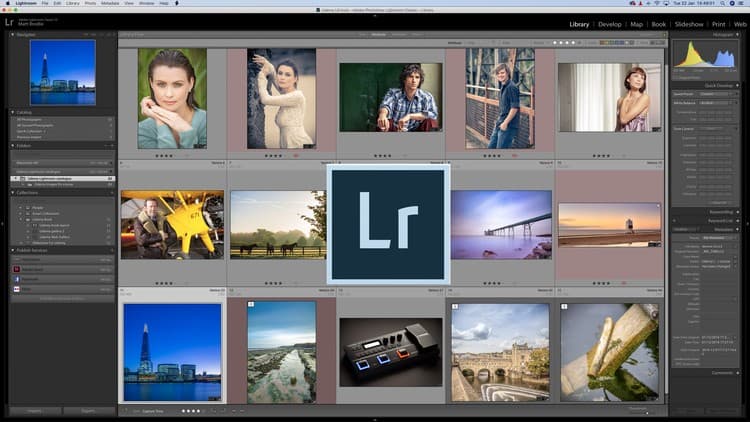
But once you understand how to use the different organizing functions in LR Classic work, you will realize that not only is it very good as an editing tool, it's also the best image management software out there.
In this course, we will learn this entire process by going through the following 13 steps:
Transferring & Organizing Photos
Importing into LR (1st method)
Understanding a Catalog
Importing into LR (2nd method)
Backing up the Lightroom Catalog
Understanding Folders
Understanding & Using Collections
Culling Using Collections
Editing Workflow Settings
Target Collections for Portfolio
Client Proofing Using Lightroom Cloud
Exporting the Correct Way
Additional Settings To Facilitate Workflow
Going through these 13 steps will make you master the entire Lightroom classic software.
The best part is that you will be getting your hands on all the images used in the course and you'll actually be starting the process by copying the photos into an SD card, just like you would do if you did your own shoot. So everything will be taught from scratch.
I hope to see you inside the course!
Advertisement




Not the best price we've seen. The lowest we've recorded is $9.99 on 17 Aug.
This is what we recorded in US pricing — not every price this course has ever had, and prices differ by country.