Udemy
 Udemy
UdemyPrice
No active coupon right now
View Course →No coupon right now. We'll tell you when there is one.
Mark your own learning status. Opening a course link does not establish enrollment.
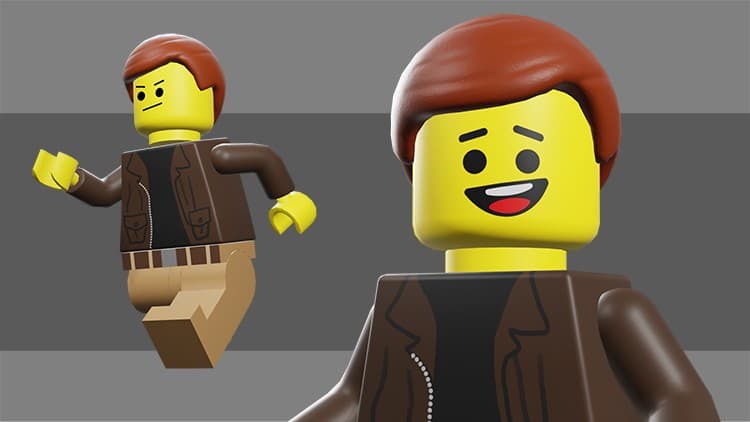
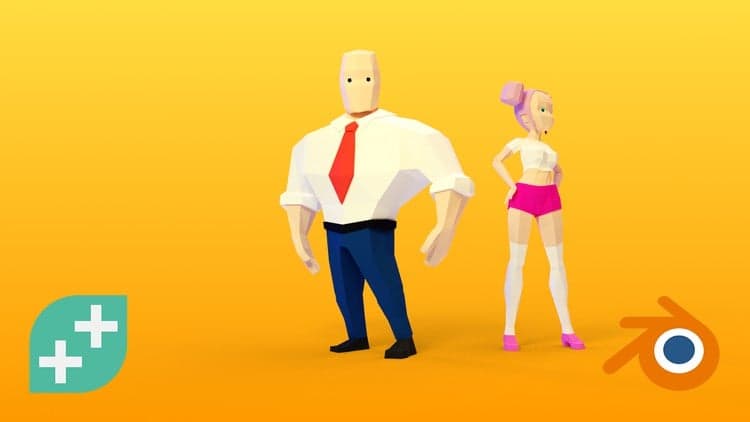
This course takes you from 3D model through animation to live game control. You'll build a Lego-style character in Blender 2.8—modeling, UV mapping, texturing, sculpting details—then rig it with bones and control shapes. Using Grease Pencil, you'll animate a 2D drawn face alongside the 3D body, creating Idle, Run, and Jump cycles ready for production. After export to Unity, you'll set up the character, apply third-party animations, and write a C# script to control it in-game. This isn't theory; it's a complete pipeline from concept to playable character. Ideal for aspiring level designers and environment artists who want hands-on experience with the full toolchain.
In this course we’ll create a game character using Blender 2.8, and we'll export it to Unity and configure it so we can control it in the game engine.
Throughout the course, you will learn:
3D Modeling in Blender 2.8
UV Mapping
Texturing and Sculpting
Baking a Normal Map
Rigging a Character in Blender 2.8
Animating a 2D Face with Grease Pencil
Creating Animation Cycles for a Video Game
Exporting a Character and Animations from Blender 2.8 to Unity
Creating a C# Script in Unity to Control a Game Character
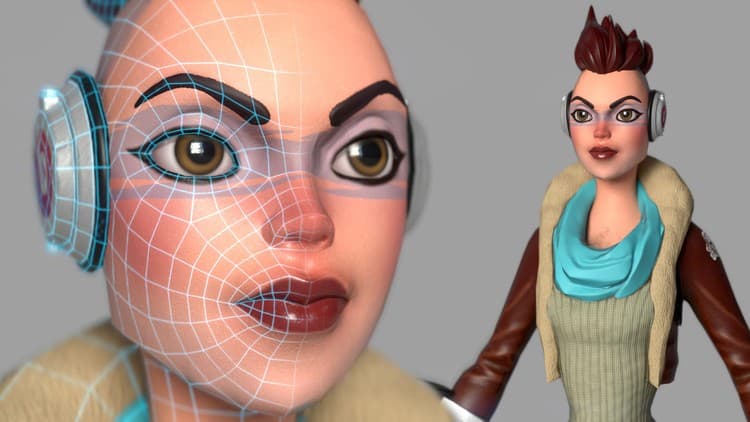
Beginning with the modeling, we’ll use Blender 2.8 to build all the individual pieces of a Lego character. And then you’ll learn how to UV map each of the parts, and then create an efficient, unified UV map of the entire character. We will use Blender’s texture painting tools to create the clothes of the character, and we’ll use the sculpt tools to create the high res details of the hair. You’ll then learn how to bake a normal map in Blender and apply the textures to the character model.
Next, we’ll work on rigging the character. We will begin with a single bone, and create the rig manually, so you can see how a character rig is built from the ground up. You’ll learn how to create a Foot Roll Rig and how to use Blender 2.8’s new process for creating Custom Shapes to control the character.
Once the rig is done, I’ll show you a cool technique, using Blender 2.8’s new Grease Pencil tools, to animate both a 2D drawn face and a 3D body at the same time. With this technique, we will create the character’s Idle, Run, and Jump animations, ready to be used in a game engine.
You will then learn how to export the character, animations, and textures out of Blender and bring them into the Unity game engine. And here you will learn how to set-up the character in the game and even how to retarget third-party animations onto our character, using Unity’s Humanoid Rig system.
Finally, we will write a simple C# script to incorporate our 2D and 3D animations, and get the character running around the level.
If you’ve ever wanted to create a game character, and are interested in getting up to speed in Blender 2.8, then this course is for you. So join me as we create a game character in Blender 2.8.
Advertisement

Not the best price we've seen. The lowest we've recorded is $9.99 on 17 Aug.
This is what we recorded in US pricing — not every price this course has ever had, and prices differ by country.