Udemy
Free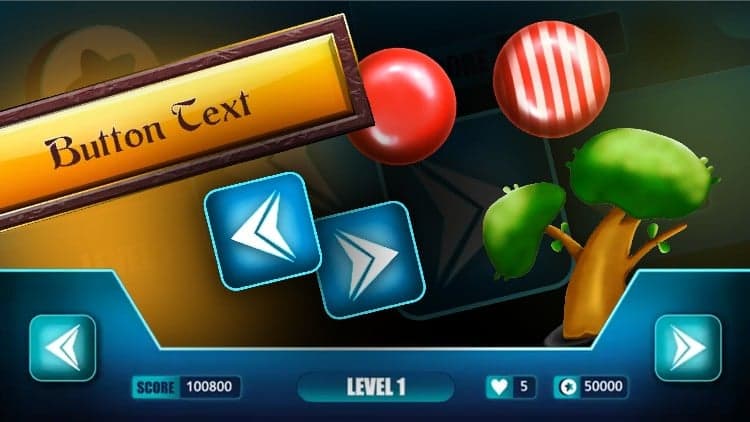 Udemy
UdemyMark your own learning status. Opening a course link does not establish enrollment.
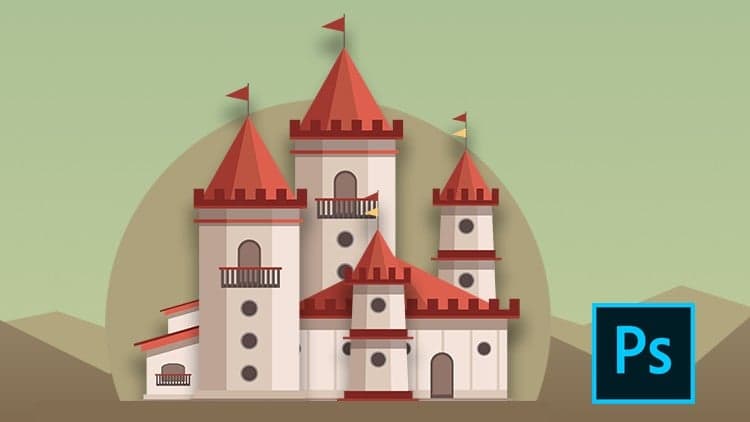
This beginner course is a fully practical walkthrough of creating game UI elements in Adobe Photoshop step by step, including buttons, score bars, icons, and panels, plus two game art pieces: a candy design and a stylized tree. Rather than covering design theory, it focuses on the concrete workflow: useful keyboard shortcuts and layer styles for adding colors and strokes to each element as you build it.
Complete beginners to game UI design, whether artists or game developers, who already have basic familiarity with Adobe Photoshop. It's explicitly not aimed at intermediate or expert designers.
In this Game UI Designing Beginner course, you will learn to create Game UI elements like game buttons, score bars, icons, panels etc.,. in Adobe Photoshop step by step. Also we will create cool game arts: candy and stylized tree. You will learn everything with clear instructions. I will show you my process of creating user interface elements. You will learn useful keyboard shortcuts in-between the lessons. Also we will learn to use layer styles option to add colors, strokes... to the design elements. By the end of this course, you will gain the knowledge on how to create your own game UI.
And this course does not cover any theory, it is fully based on practical application of tools in Adobe Photoshop. So it won't be boring! To learn this course all you need is some very basic knowledge on Adobe Photoshop and a computer or laptop. So if you are an artist or a Game developer and want to learn on Game User Interface designing, then this will be the right course for you. So are you ready to join this course!
*Please note this course is not for intermediate and expert level designers, it is for complete beginners.
*You can post your doubts or questions regarding the course content here, our team will be ready to help you!
Advertisement

UI Design with Photoshop from Beginner to Expert in 15 days