Udemy
 Udemy
UdemyPrice
No active coupon right now
View Course →No coupon right now. We'll tell you when there is one.
Mark your own learning status. Opening a course link does not establish enrollment.
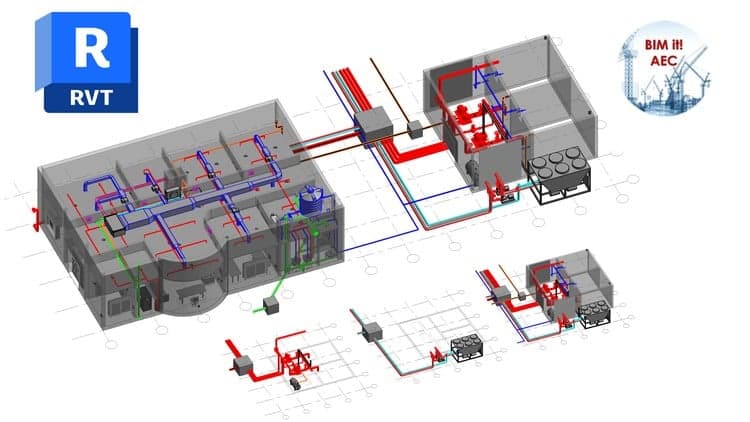
This course breaks Revit MEP out of the design office and puts it in the contractor's hands, where it matters most: coordinating shop drawings, extracting accurate material takeoffs, and catching clashes before they become site delays. Starting from complete beginner level, you'll learn to read designer MEP drawings, convert them to 3D models, and use tools like Dynamo to extract actionable information.
The workflow is practical and systematic: set up templates, link architectural models, create views, coordinate with other trades, solve clashes, and generate the schedules and documentation your team needs to execute work faster and cheaper. Across Revit versions from 2020 to 2025, the BIM concepts remain consistent, so your learning remains current and applicable.
Best for: Mechanical, electrical, and BIM professionals in contracting who want to leverage Revit to reduce waste and coordination time on site.
*First course on Udemy about CONTRACTOR SERVICES
*All Revit versions from Revit 2020 to Revit 2025 are almost the same with some additional minor features for the later versions, but you can apply the BIM concept and follow up the course lectures using any version, from Revit 2020 up to Revit 2025.
In this course students will be familiar with the BIM services needed for the contractor to execute the mechanical, electrical and plumbing works on site with less time and less cost by providing the construction site with the coordinated shop drawings and exact material take off reports. So first we will learn the Revit basics of how to start a new project, setting up templates, linking the architectural model and the designed drawings into our live model and creating views and levels, then we will learn how to read and convert the designer MEP drawings into 3D models and all the tips, tricks and shortcuts needed to perform the work faster, then we will go through the coordination process by finding the clashes and solving them. Then we will use dynamo to create the builders works, then we will extract the shop drawings and the builder works from the coordinated model and finally we will learn how to create schedules for the MEP categories. This course is aimed at complete beginners who have never used Revit before and want to increase their career options by learning Revit MEP. The ideal students for this course are the mechanical engineers, electrical engineers, BIM engineers, BIM drafters.
Advertisement



Revit Architecture Modeling: BIM Residential Project Expert

Revit Teamwork & Collaboration: Advanced Workflow Techniques
Not the best price we've seen. The lowest we've recorded is $9.99 on 18 Aug.
This is what we recorded in US pricing — not every price this course has ever had, and prices differ by country.