
Udemy
FreeRevit Teamwork & Collaboration: Advanced Workflow Techniques
Course4.62kALL LEVELS
Free
 Udemy
Free and discounted course coupons, posted every day.
Revit's Schedule tool can extract quantities, materials, and specifications directly from your 3D BIM model, but most users never move past the default settings. This project-based course walks through building accurate Quantity Takeoffs and material schedules from scratch, rather than compiling them by hand.
You'll work through the main schedule types, Material Takeoff, Room, Door/Window, Key, and fully custom schedules, and learn how to configure fields, filters, sorting, grouping, and calculated values so the output matches what your project actually needs.
Revit users at any level who currently track quantities and specifications outside the model and want that data to live, and update, inside it instead.
Mark your own learning status. Opening a course link does not establish enrollment.
Loading saved status…
From the Udemy page
If your answer is "YES" to any of these questions, this course is for you. In this comprehensive and project-based course, you'll learn how to create accurate Quantity Takeoffs and material schedules in Revit. Schedules in Revit are powerful tools that allow you to extract information from your 3D BIM model. They provide a structured way to organize and display data related to building elements. …
Advertisement
Yes. It's free on Udemy.
Revit Teamwork & Collaboration: Advanced Workflow Techniques
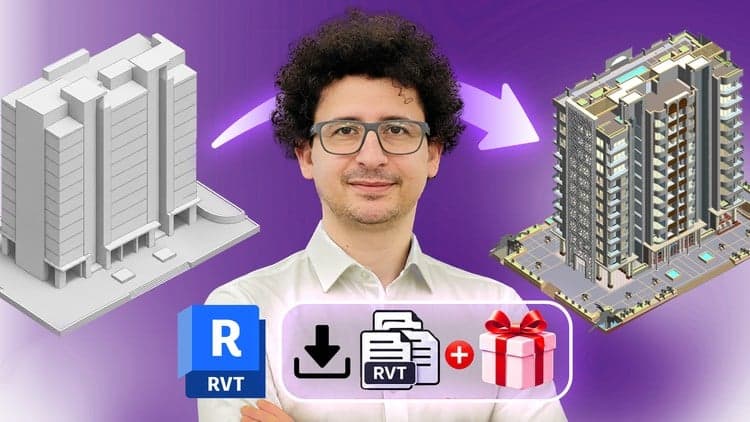


Revit Architecture Modeling: BIM Residential Project Expert


No Korshub reviews yet.