Udemy
Free Udemy
UdemyMark your own learning status. Opening a course link does not establish enrollment.
This course focuses on a part of Revit that trips up many BIM teams: working on the same model together without stepping on each other's changes. It covers worksets, central and local file management, and how to keep a project stable as multiple people edit it in worksharing mode.
By the end, you should be more comfortable managing central files, avoiding common worksharing pitfalls, and understanding how ISO 19650 compliance fits into day-to-day project management. It's aimed at Revit users at any level who work — or want to work — as part of a team rather than solo.
Note: This course will help you become familiar with teamwork in Revit and will answer many of your questions about this powerful feature within the Revit software. You’ll gain a solid understanding of the teamwork process in BIM projects
How can you optimize your Revit workflow by mastering advanced worksets and central file management?
Curious about how ISO 19650 standards impact Revit projects and why they matter for your team?
Want to learn how to manage Revit files, handle interferences, and restore backups like a pro?
The main goal is participants how to effectively manage teamwork in Revit while ensuring compliance with ISO 19650 standards for improved project efficiency.
Some of the topics you will learn in this course:
Concept of Teamwork in Revit
Creating Worksets
Initial Setup for Teamwork
Coordination Between Teams in Worksharing Mode
Monitoring Project Progress
Creating a Central File
Creating a Local File
Teamwork Process in Revit
Relationship Between Revit Teamwork and ISO 19650
Project Management with Teamwork
In this course, participants enhance team collaboration in Revit, improve workflow efficiency through advanced tools, ensure compliance with ISO 19650 standards, reduce errors by avoiding common pitfalls, learn effective management of central and local files, and gain skills to identify and resolve interferences in models.
Enroll in this course right now, and feel free to ask me any questions throughout your learning journey so you can implement this process in the best possible way. I’m with you every step of the way to help you become a professional.
Advertisement
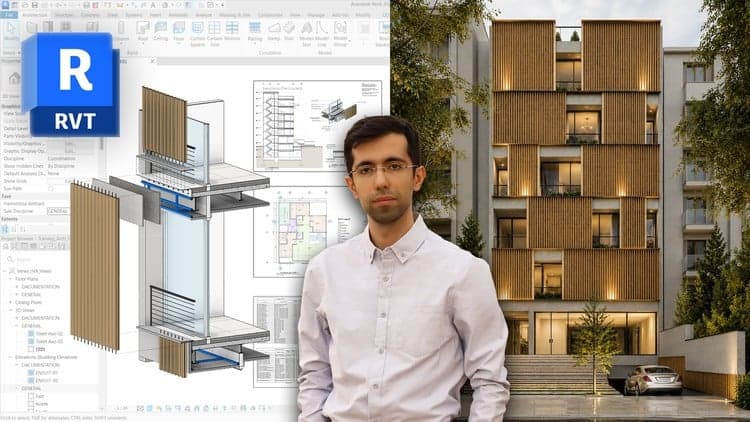
Revit Architecture Modeling: BIM Residential Project Expert