Udemy
FreeDesign with Confidence: Adobe Illustrator Basics (Mar 2026)
Course4.4643BEGINNER
Free
Access
Skillshare membershipIncluded with a Skillshare subscription
This course is included with a Skillshare membership subscription.
Start your free month on Skillshare →30-day free trial, new members only.
Already a Skillshare member? Open the class
No coupon right now. We'll tell you when there is one.
UI and web design as a profession is accessible, but it requires learning both the design principles and the software that communicates them. This project-based class teaches Adobe Illustrator's UI-design workflow by building a complete responsive website from start to finish.
You'll learn how to design for desktop, tablet, and mobile; what deliverables clients expect; and professional workflows that speed up execution. The course includes 27 completed exercise files so you can follow along without falling behind, plus cheat sheets and downloadable resources. The focus is on design process, not coding—you'll walk away knowing how to brief developers or hand files to clients with clarity.
Taught by Daniel Scott — Designer & Teacher
Mark your own learning status. Opening a course link does not establish enrollment.
Loading saved status…
From the Skillshare page
UI design skills are one of the most employable opportunities of our lifetime. In this course you’ll learn how to design a professional website in Adobe Illustrator. We’ll start right at the basics of Illustrator and work our way through to building professional UI designs. This course doesn’t cover how to code a website but focuses on the design processes that professional UI designers use when working. …
Advertisement
No. It comes with a Skillshare subscription, which has no per-course price, and Korshub has no coupon on record for it.
Not on Korshub's record. It's part of a Skillshare subscription, with no free or one-off price.
No Korshub reviews yet.
Design with Confidence: Adobe Illustrator Basics (Mar 2026)
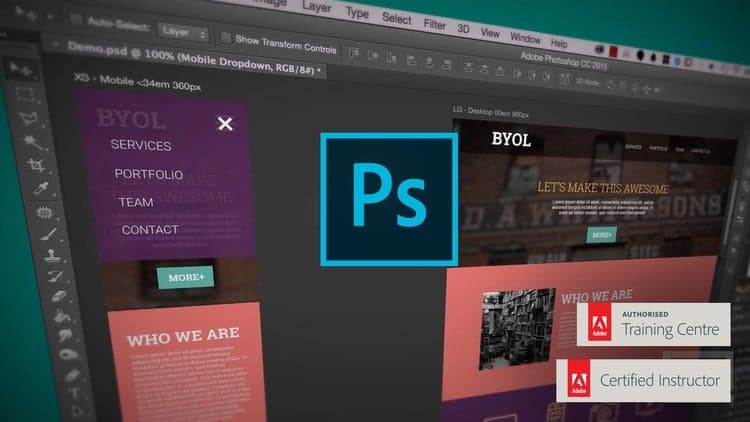

UI UX Design Course FREE | UI UX Design Full Course For Beginners (2025) | Intellipaat
Adobe Illustrator - От нуля до новичка графического дизайна