
Udemy
Free Udemy
Free and discounted course coupons, posted every day.
Getting Revit installed correctly is the actual subject here — not how to use it once it's running. The course walks through Autodesk's install process step by step, with a note that while Autodesk redesigns the visual layout of that process every year, the underlying steps stay the same.
A one-hour guide to the Revit interface (including recent updates), a terminology guide, and a video explaining what BIM actually is.
Anyone trying to get Revit downloaded and installed for the first time, including students or professionals about to start a Revit course who need the software running first. The instructor also offers direct-message support for setup questions.
Mark your own learning status. Opening a course link does not establish enrollment.
Loading saved status…
From the Udemy page
This quick guided course is designed to help you download and install Revit with ease, all for free.
Autodesk does visually redesign the install process each year, so if what is on your screen looks slightly different, don't worry, the process is still the same.
1. How to create an Autodesk account,
2. Explain the system requirements to run the software,
3. How to ensure you get the correct certified hardware,
4. …
Advertisement
Yes. It's free on Udemy.

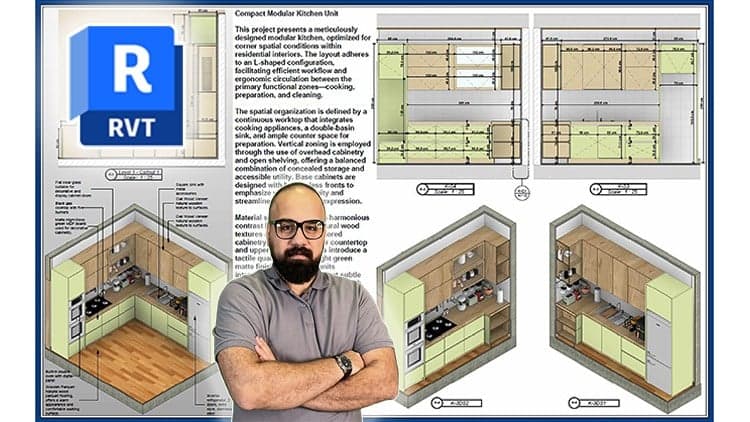
Shop Drawing & Details-Autodesk Revit 2025- for BIM Modelers
No Korshub reviews yet.