Udemy
 Udemy
Price
No active coupon right now
View Course →No coupon right now. We'll tell you when there is one.
Mark your own learning status. Opening a course link does not establish enrollment.
Loading saved status…
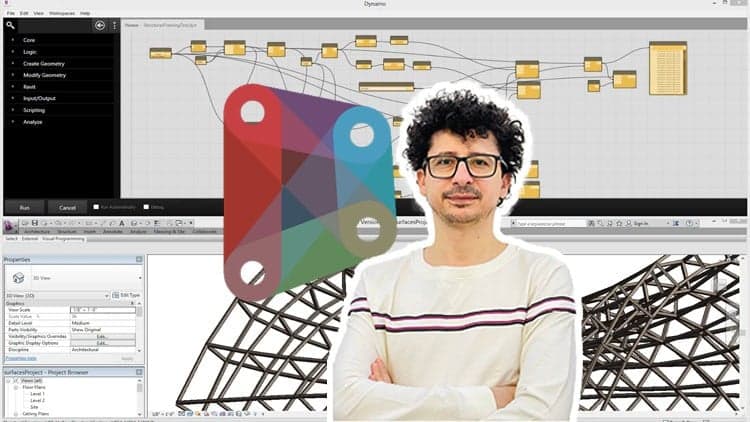
This course treats Dynamo as a way to design shapes through rules rather than by drawing each one. It begins with the environment and node types, so the connection between a number, a shape and the geometry it drives is clear before the forms get complicated.
The sequence moves from simple circles, polygons and ellipses to extrusions, lofted solids and curved surfaces. Transforming geometry through translation and mirroring comes next, followed by curves, fillets and NURBS control points for more fluid forms.
List manipulation and lacing close the course, which is where a graph starts to handle many variations at once.
Do you want to know how to automate tasks in Revit using Dynamo?
Do you want to know how to optimize your complex Revit models for performance and efficiency?
Do you want to know how parametric design can help in creating complex shapes and designs in architecture and engineering?
The Dynamo course covers the fundamentals of using Dynamo in building information modeling. The course starts with an introduction to Dynamo's environment, node types, and integer and number values. It then moves on to more advanced topics such as creating forms parametrically, creating circles, polygons, and ellipses using nodes, and extruding shapes. You will also learn to manipulate geometry using translation and mirroring. The course includes several exercises to reinforce learning, including creating a multi-story parking garage, a forest tower, and Athens Olympic Sports Complex by Calatrava.
Headlines:
Dynamo Fundamentals: Getting Started with Node-Based Design
Building Custom Shapes: Exploring Integer and Number Values in Dynamo
Creating Parametric Forms: Using Line and Circle Nodes in Dynamo
Advanced Geometry: From Regular Polygons to Lofted Solids in Dynamo
Practical Applications: Extruding Shapes and Creating Curved Surfaces in Dynamo
Parametric Modeling: Using Transpose, Offset, and Sweep Nodes in Dynamo
Mastering Curves: Using Polycurves and Fillet Nodes in Dynamo
Dynamic Design: Creating Custom Forms with NURBS and Control Points in Dynamo
Advanced Techniques: Using List Manipulation and Lacing in Dynamo
From Sketch to Structure: Building Complex Forms with Dynamo's Node-Based Workflow
This course is packed with real-life examples that immerse you in project situations and facilitate effective learning. Additionally, you're encouraged to ask any questions you may have while watching the course, ensuring a comprehensive understanding of the subject matter.
Advertisement
Tracking since 15 Nov — not enough history yet to tell you whether today's price is any good. Watch the course and we'll tell you when it drops.
This is what we recorded in US pricing — not every price this course has ever had, and prices differ by country.
No Korshub reviews yet.
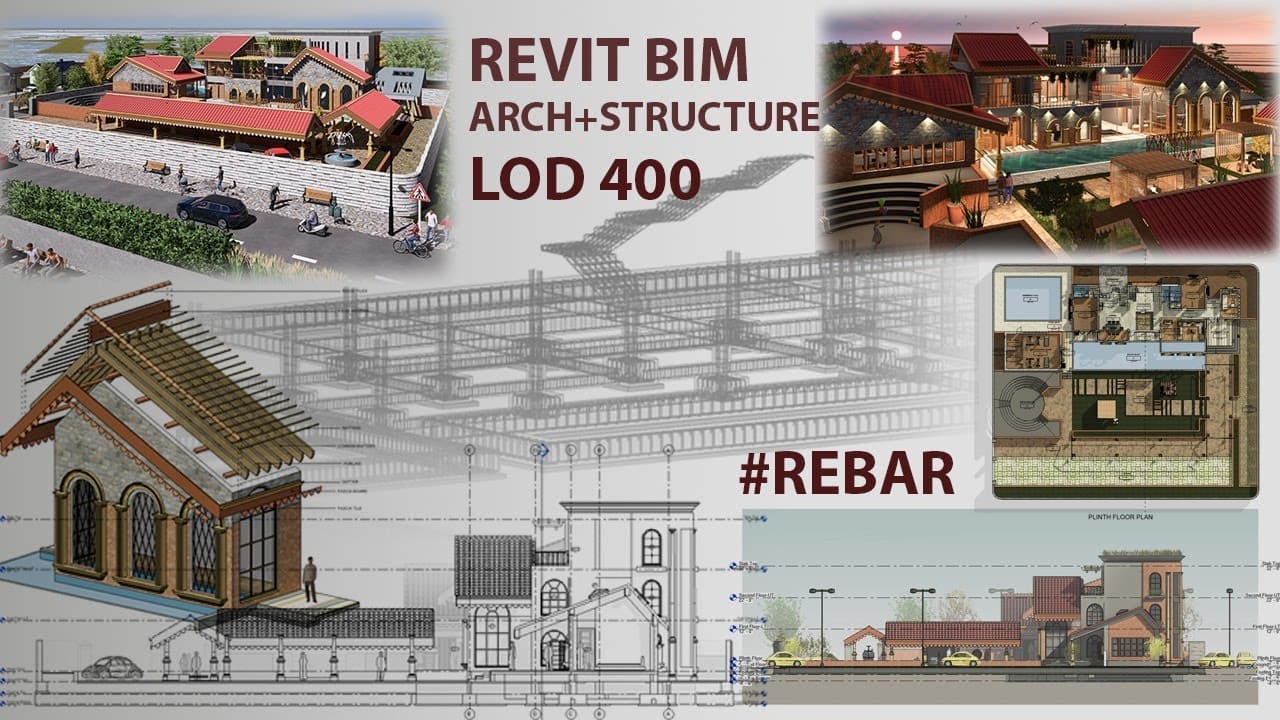
Masterclass in Revit BIM | Complete Architecture + Structure Rebar Detailing | LOD 400





Revit Teamwork & Collaboration: Advanced Workflow Techniques