Udemy
Free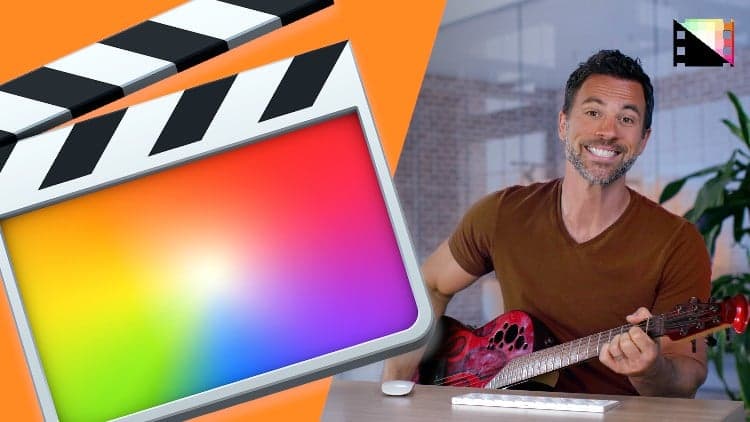 Udemy
UdemyMark your own learning status. Opening a course link does not establish enrollment.
Part Two of this Final Cut Pro guide moves past the basics into practical editing mechanics: cutting and trimming clips with the blade tool, navigating the timeline with the playhead and timecode, and working extensively with audio — from syncing and mixing to keyframing effects.
Editors who've completed Part One (or already know the fundamentals) and are ready to work more precisely inside the timeline and start layering in sound.
It sets up directly for Part Three, which covers titles, generators, and transitions.
Welcome to our Comprehensive Guide to Final Cut Pro! Whether you're just starting out, or you've been editing videos for years, our bite-sized tutorials will teach you the fundamentals of this revolutionary software.
In an increasingly digital world, video editing is an amazing skill for any creator to have in their arsenal. Final Cut Pro is one of the best video editing packages for creating small clips to multi-million dollar movies, and it's available for a reasonable price to anyone with a Mac.
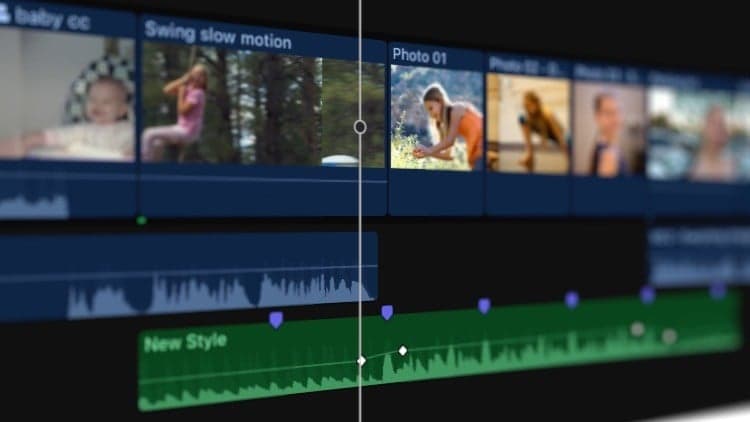
In Part Two, we'll go over how to cut or trim clips with the blade tool; various editing tools and techniques; navigate in the timeline using the playhead and timecode; use the snapping tool; locate the source files for clips; zoom and scroll; work with markers; adjust clip appearance; view and zoom into audio clips; add music and sound effects; access external audio files; configure audio channels; adjust volume; fade audio in and out; add, remove, or adjust audio effects; pan audio; record voiceovers; enhance audio; sync audio and videos; match audio; keyframe audio effects.
Once you've finished Part Two, check out Part Three, in which we'll go over techniques for adding and editing titles, generators, effects, and transitions in Final Cut Pro.
Stay tuned for Parts 3-8 of our Comprehensive Guide, coming soon.
Don't forget to check out Pixel Film Studios for helpful Final Cut Pro plugins to take your videos to the next level. Check out our library of over 2000+ plugins on our website.
Advertisement