Udemy
Free Udemy
Free and discounted course coupons, posted every day.
Mark your own learning status. Opening a course link does not establish enrollment.
Loading saved status…
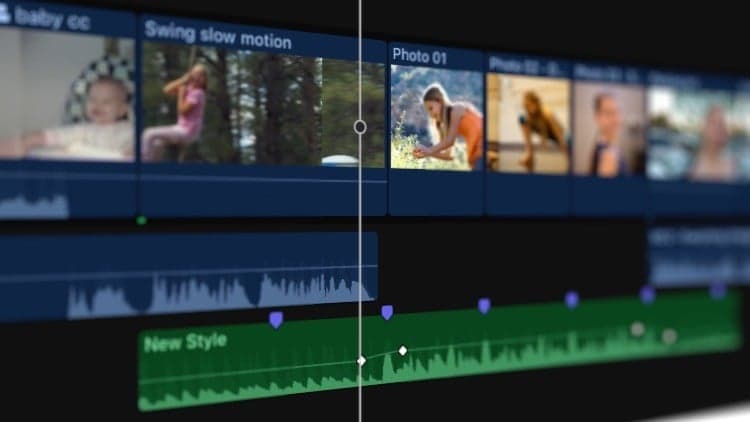
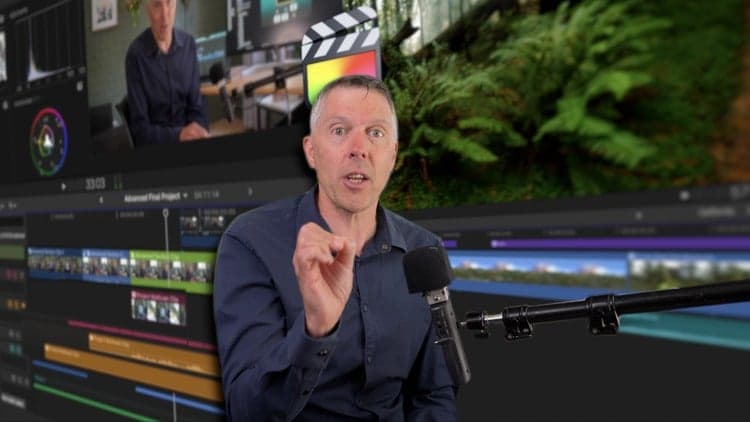
This installment continues a bite-sized, comprehensive walkthrough of Final Cut Pro, covering three dense areas: organizing a project with roles, working with captions, and managing and exporting media.
Aimed at all levels, from those just starting with Final Cut Pro to longtime editors filling gaps in specific features like caption workflows or library management.
Context: this is Part Five of an ongoing series; Part Six picks up with Preferences and Chroma/Luma keys next.
From the Udemy page
Welcome to our Comprehensive Guide to Final Cut Pro! Whether you're just starting out, or you've been editing videos for years, our bite-sized tutorials will teach you the fundamentals of this revolutionary software. In an increasingly digital world, video editing is an amazing skill for any creator to have in their arsenal. Final Cut Pro is one of the best video editing packages for creating small clips to multi-million dollar movies, and it's available for a reasonable price to anyone …
Advertisement
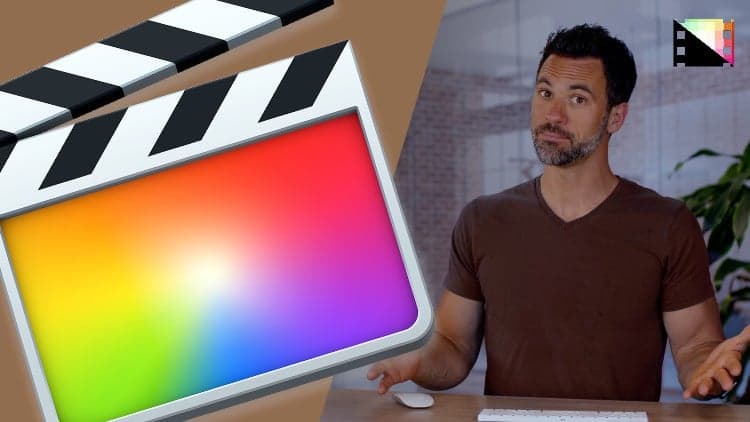
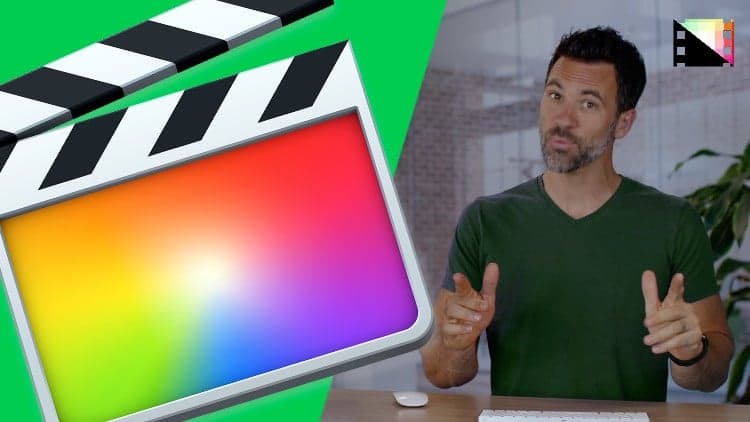
Comprehensive Guide to Final Cut Pro From Scratch: Part Two
Yes. It's free on Udemy.
No Korshub reviews yet.