Udemy
Free Udemy
Free and discounted course coupons, posted every day.
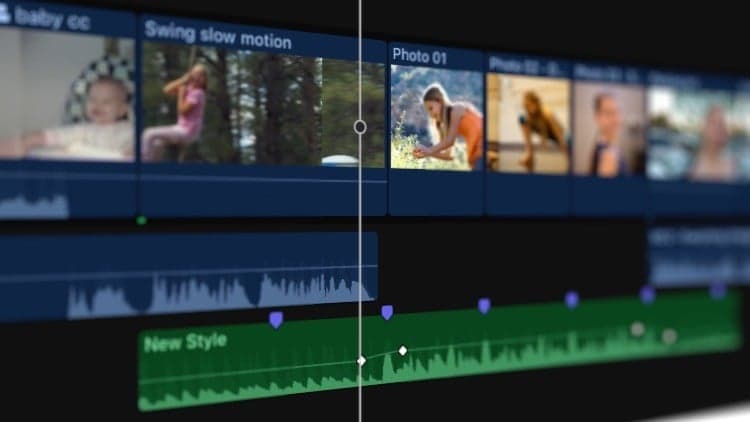
Part Four of this bite-sized Final Cut Pro series moves into more advanced editing territory: keyframe animation, speed manipulation, and masking. Each topic is broken into short, focused tutorials, continuing the series' approach of teaching one skill at a time rather than overwhelming beginners with the full feature set at once.
Part Five continues the series with clip roles, captions, and library organization.
Mark your own learning status. Opening a course link does not establish enrollment.
Loading saved status…
From the Udemy page
Welcome to our Comprehensive Guide to Final Cut Pro! Whether you're just starting out, or you've been editing videos for years, our bite-sized tutorials will teach you the fundamentals of this revolutionary software. In an increasingly digital world, video editing is an amazing skill for any creator to have in their arsenal. Final Cut Pro is one of the best video editing packages for creating small clips to multi-million dollar movies, and it's available for a reasonable price to anyone …
Advertisement
Yes. It's free on Udemy.
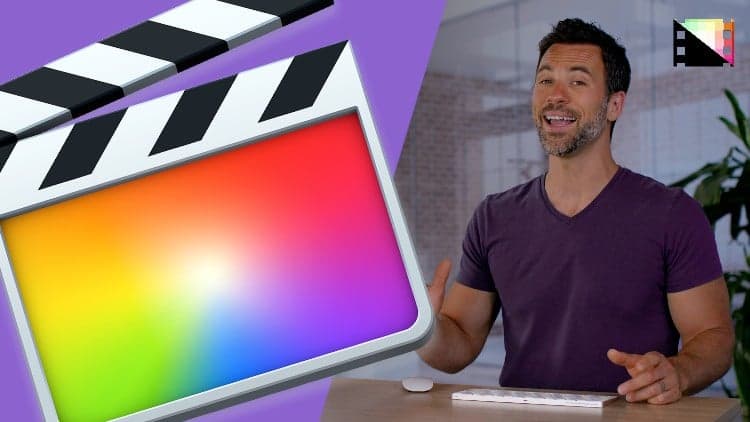
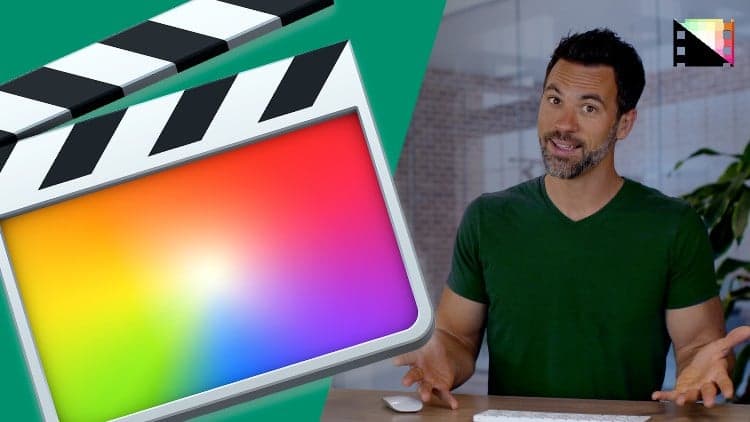
Comprehensive Guide to Final Cut Pro From Scratch: Part Two
No Korshub reviews yet.