Udemy
Free Udemy
UdemyMark your own learning status. Opening a course link does not establish enrollment.
This is the sixth installment in an ongoing, bite-sized series on Final Cut Pro. It moves past basic editing into more workflow-oriented territory: organizing audio and video with roles and subroles, building and formatting captions, relinking and consolidating media, and exporting finished projects to platforms like YouTube and Vimeo.
Editors already using Final Cut Pro who want to tighten up their project organization and delivery workflow, rather than complete beginners looking for their first lesson.
Since this is part six of a series, it's best approached after the earlier installments rather than as a standalone starting point.
Welcome to our Comprehensive Guide to Final Cut Pro! Whether you're just starting out, or you've been editing videos for years, our bite-sized tutorials will teach you the fundamentals of this revolutionary software.
In an increasingly digital world, video editing is an amazing skill for any creator to have in their arsenal. Final Cut Pro is one of the best video editing packages for creating small clips to multi-million dollar movies, and it's available for a reasonable price to anyone with a Mac.
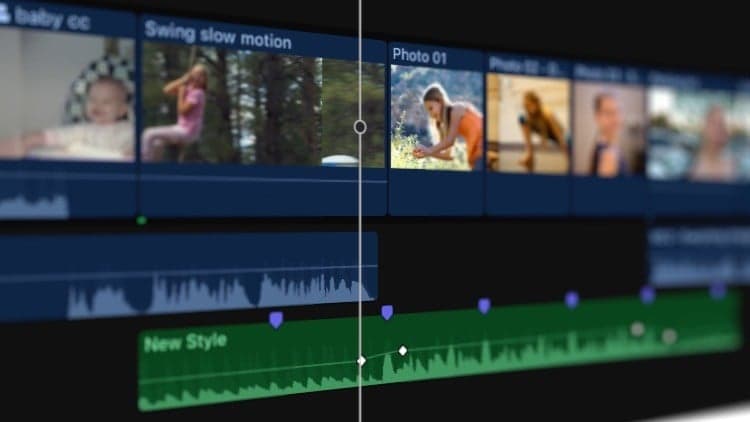
In Part Six, we'll cover how to view and reassign roles, turn roles on and off, create custom roles and subroles, change role colors and names, assign audio roles during import, and use audio lanes for organization; how to set up caption roles, create and import captions, show or hide captions, adjust and arrange captions, format caption text, convert captions to another format, export captions, and fix caption errors; how to relink missing clips, consolidate media, create optimized and proxy media, enabling or disabling background rendering, create, open and close libraries, move items between libraries, and move libraries between Macs; how to share projects to YouTube, Vimeo, Facebook, or Apple Devices, export master files, still images, image sequences, export roles as separate files, and create share destinations.
Once you've finished Part Six, check out Part Seven, in which we'll cover Color Corrections and 3D Titles.
Don't forget to check out Pixel Film Studios for helpful Final Cut Pro plugins to take your videos to the next level. Check out our library of over 2000+ plugins on our website.
Advertisement
Comprehensive Guide to Final Cut Pro From Scratch: Part Two