Udemy
Free Udemy
UdemyMark your own learning status. Opening a course link does not establish enrollment.
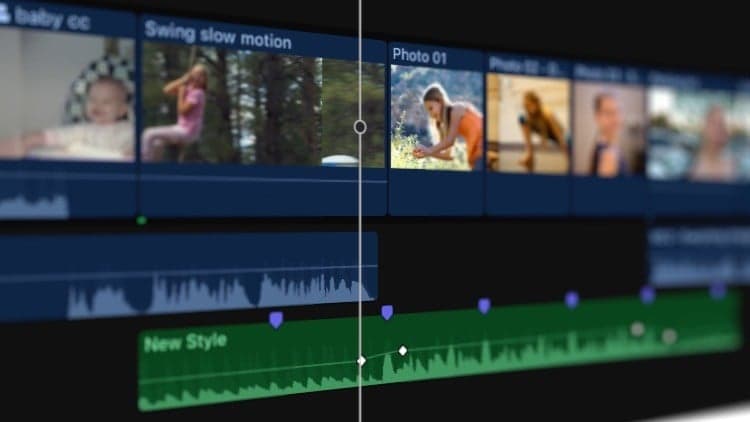
Part Eight closes out this free, bite-sized series on Final Cut Pro, focusing on two advanced workflows: Multicam editing and 360° video. On the Multicam side, it covers importing media, creating a Multicam clip, cutting and switching between camera angles, and syncing and adjusting angles. On 360° video, it covers importing footage, creating and editing 360° projects, and adding 360° titles and effects. The course also explains how to install, remove, and update Final Cut Pro and macOS.
Editors who have followed the earlier parts of the series, or anyone already comfortable with Final Cut Pro basics and ready to learn Multicam and 360° video workflows specifically.
Welcome to our Comprehensive Guide to Final Cut Pro! Whether you're just starting out, or you've been editing videos for years, our bite-sized tutorials will teach you the fundamentals of this revolutionary software.
In an increasingly digital world, video editing is an amazing skill for any creator to have in their arsenal. Final Cut Pro is one of the best video editing packages for creating small clips to multi-million dollar movies, and it's available for a reasonable price to anyone with a Mac.
In Part Eight, we'll cover how to import media for Multicam edits, create a Multicam clip, cut and switch camera angles, sync and adjust camera angles, and edit Multicam clips; import 360° video, create and edit 360° projects, add 360° titles and effects, and share 360° projects; and how to remove and install Final Cut Pro, check for updates to Final Cut Pro, and how to update MacOS.
This is the conclusion to our series of free courses on Final Cut Pro. We sincerely hope this helped to level up your knowledge of the fundamentals of Final Cut Pro. If you have any questions or comments, don't forget to contact us on our website or on the original YouTube videos!
Don't forget to check out Pixel Film Studios for helpful Final Cut Pro plugins to take your videos to the next level. Check out our library of over 2000+ plugins on our website.
Advertisement
Comprehensive Guide to Final Cut Pro From Scratch: Part Two